
+7 (499) 647-49-78
+7 (499) 647-49-78
Show and talk about another novelty among the application interfaces of the platform Smarty. This is the latest release of Redmax TV.
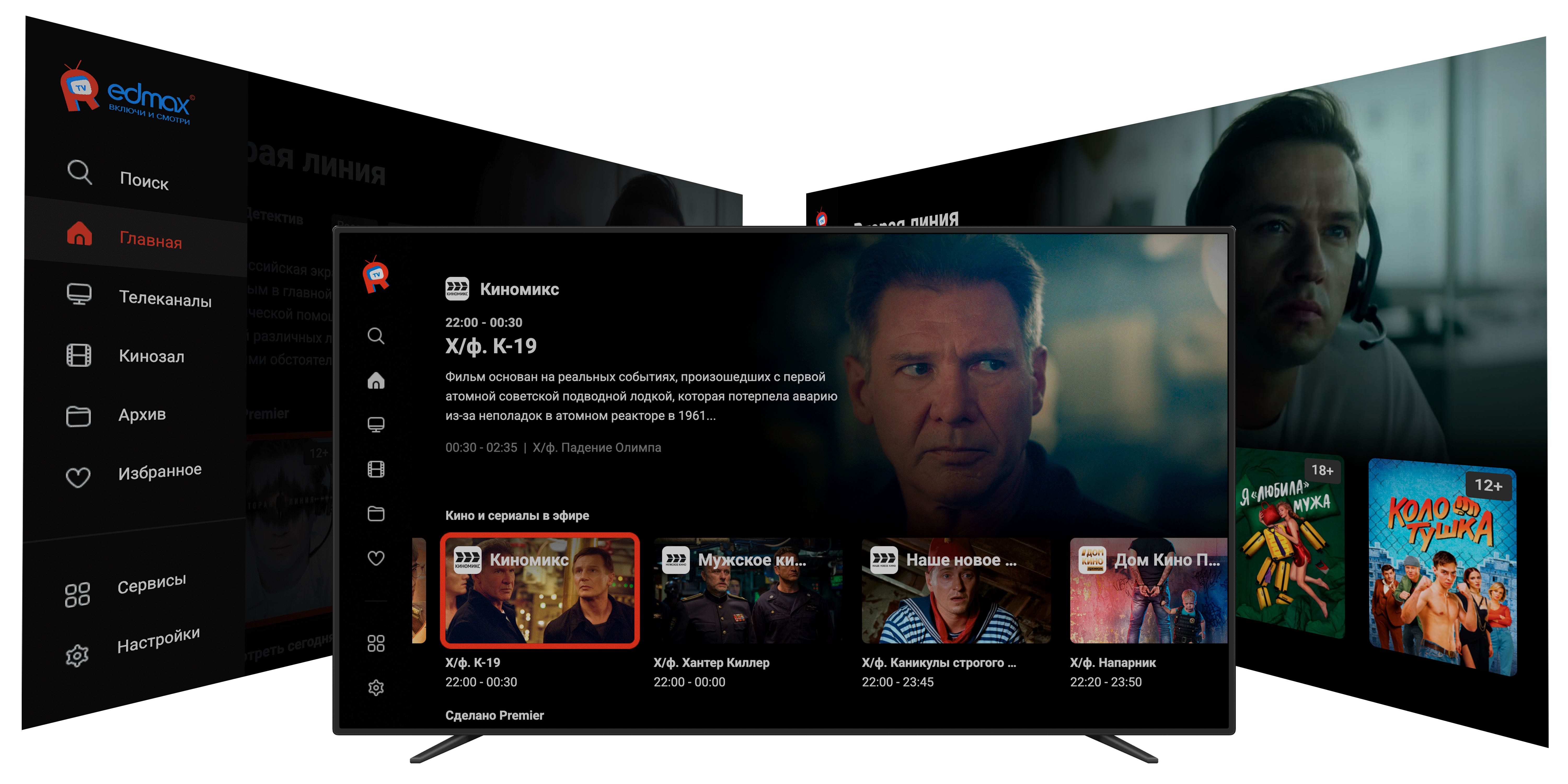
One of the important tasks of the OTT service is the ability to impress the user in the first seconds of interaction with the quality and quantity of content. There are many mechanics for this, but one of the most popular is the creation of custom selections for every taste.
Such collections can be assembled by hand or dynamically, the Smarty platform is able to collect feeds of content broken down by genres, categories, other groups. And they will be placed in the form of an infinite number of tapes, replacing each other on the first and main page of the service.
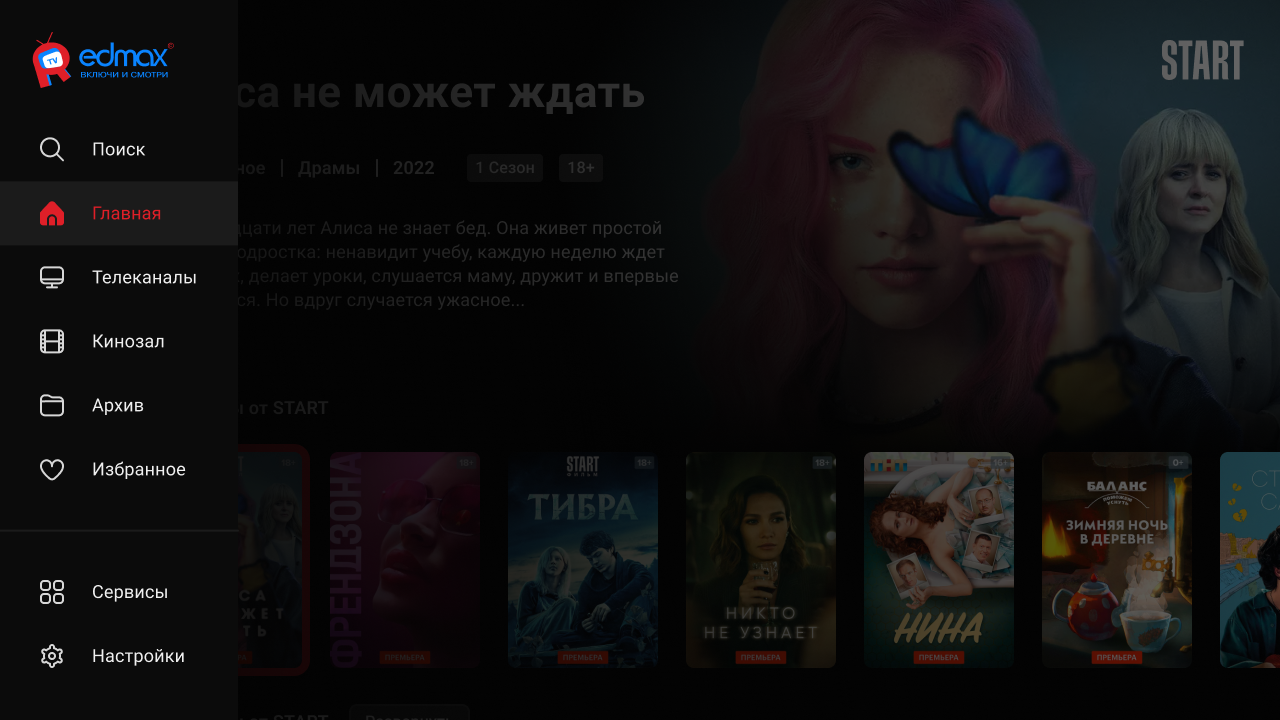
Let’s take a closer look at the main menu.
This important navigation element is available to the user from any screen of the service, except for the full-screen player.
Main elements:
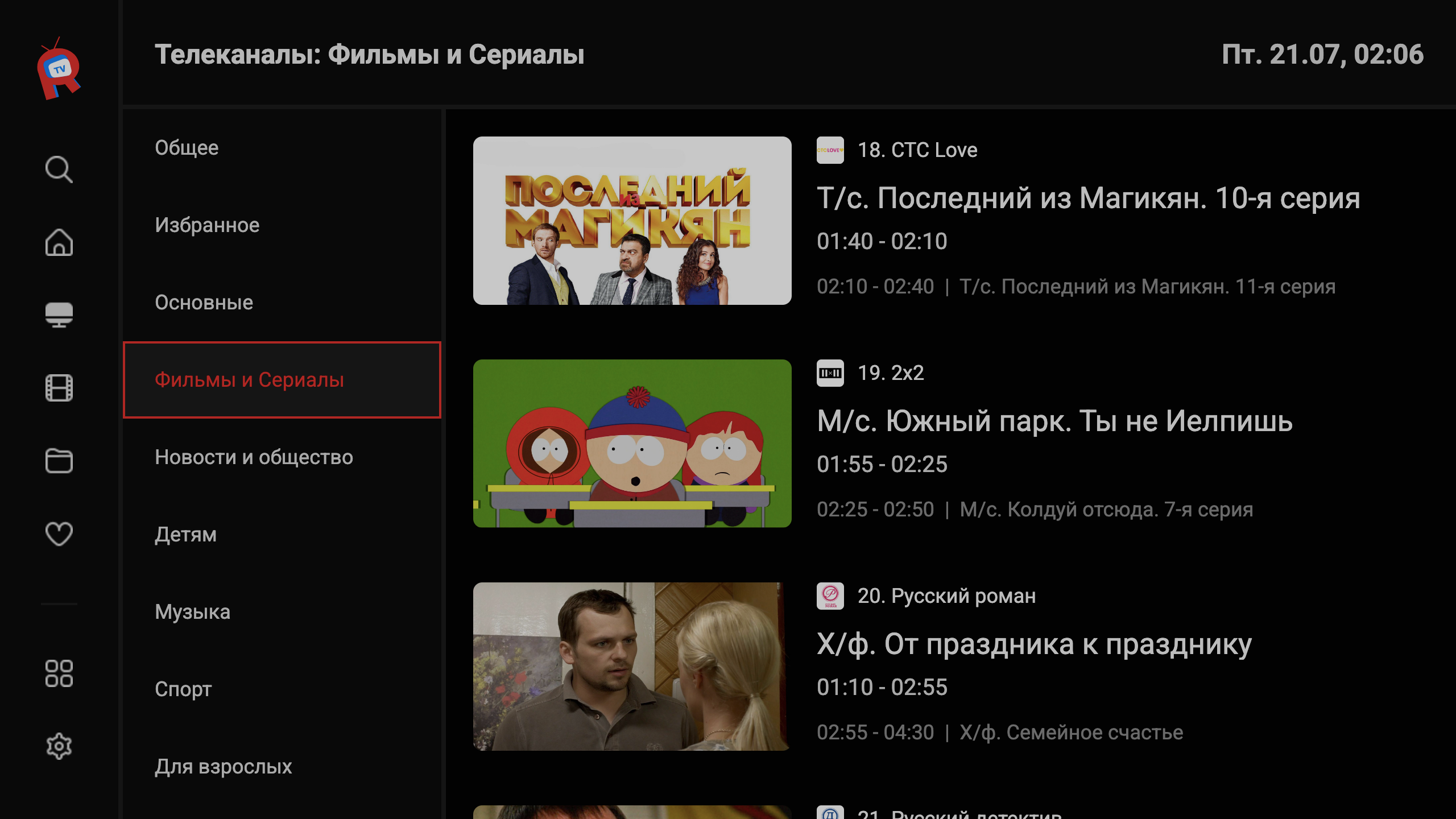
The screen of the channel page focuses the user on the content that is currently on the air. Two clicks to the right — can be used in a classic TV program. Large fonts and posters of the program allow you to cover devices of any diagonals and users of all ages.
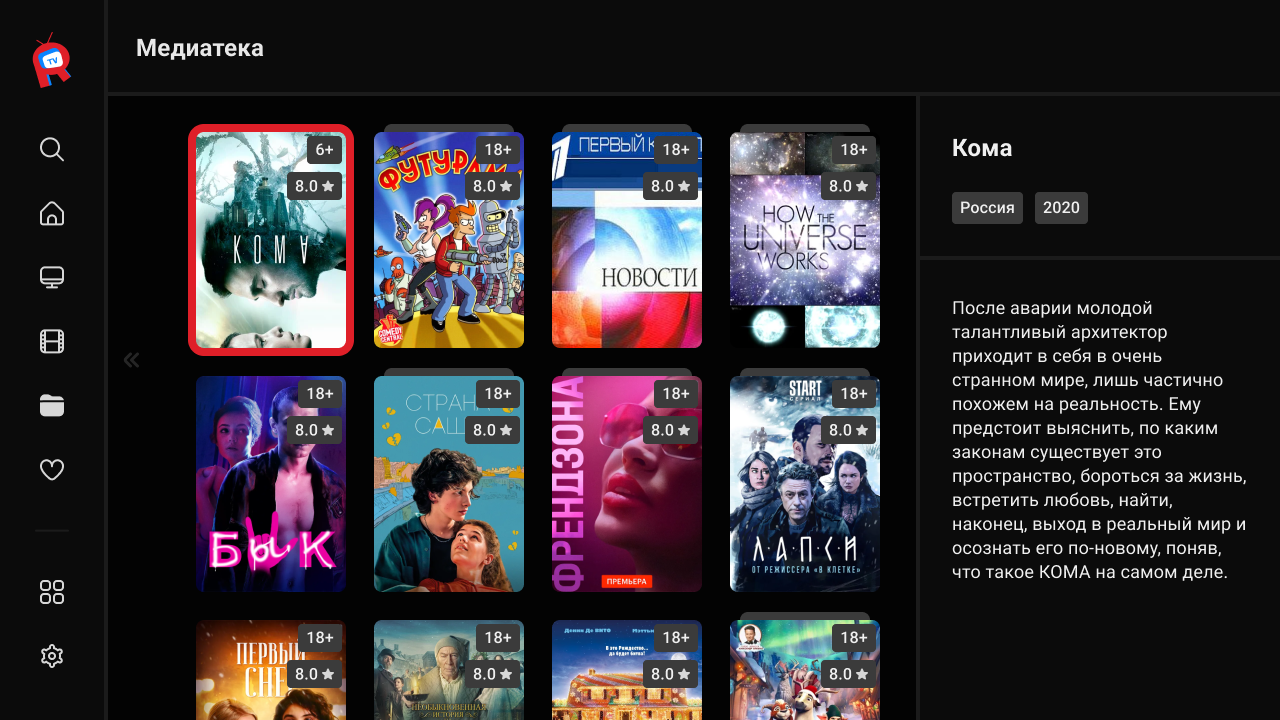
As with any of our interfaces in the Archives section, the user will find several hundred units of daily updated content. A distinctive feature of this interface is the use of posters for archival records in 2:3 format, so that recorded content from TV channels is visually no different from cinemas.
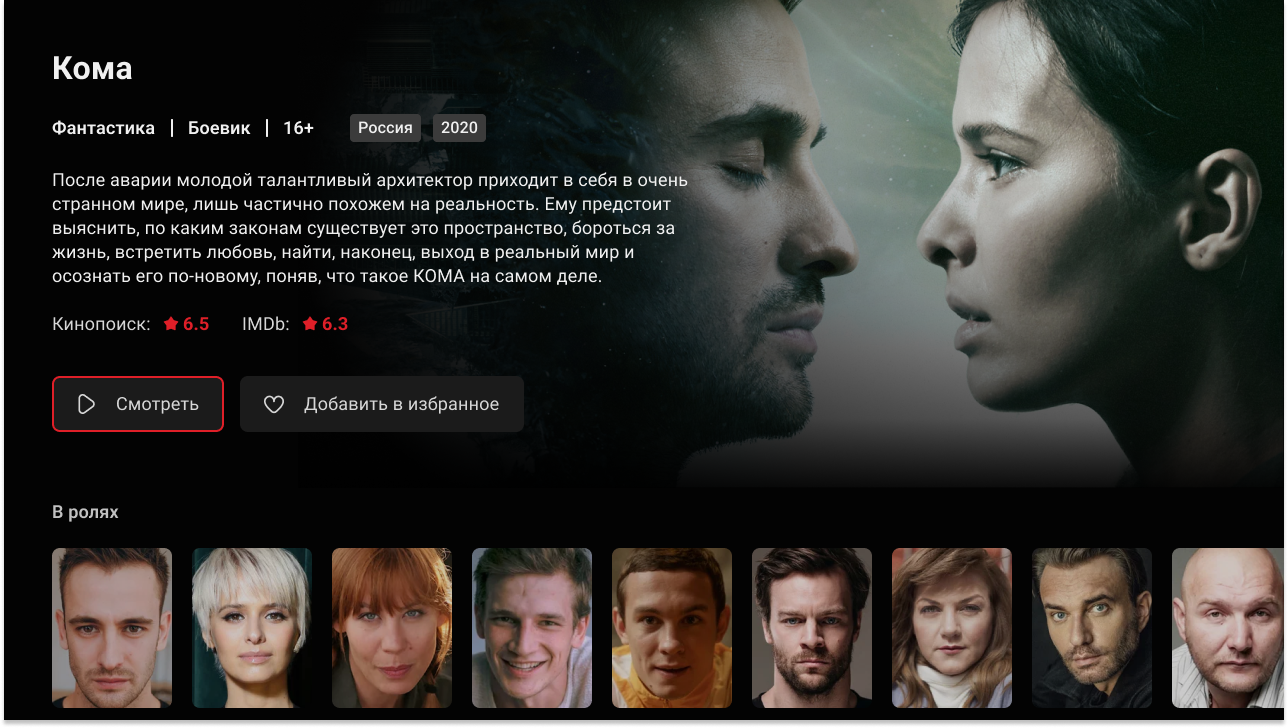
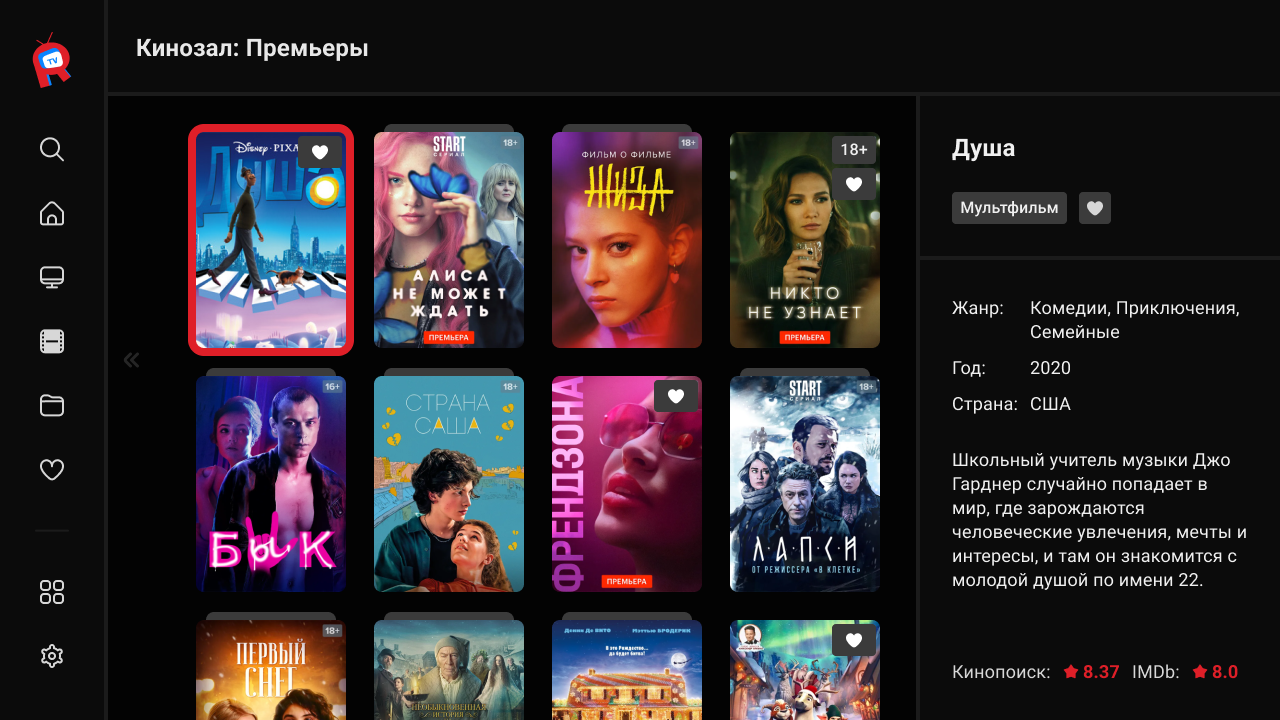
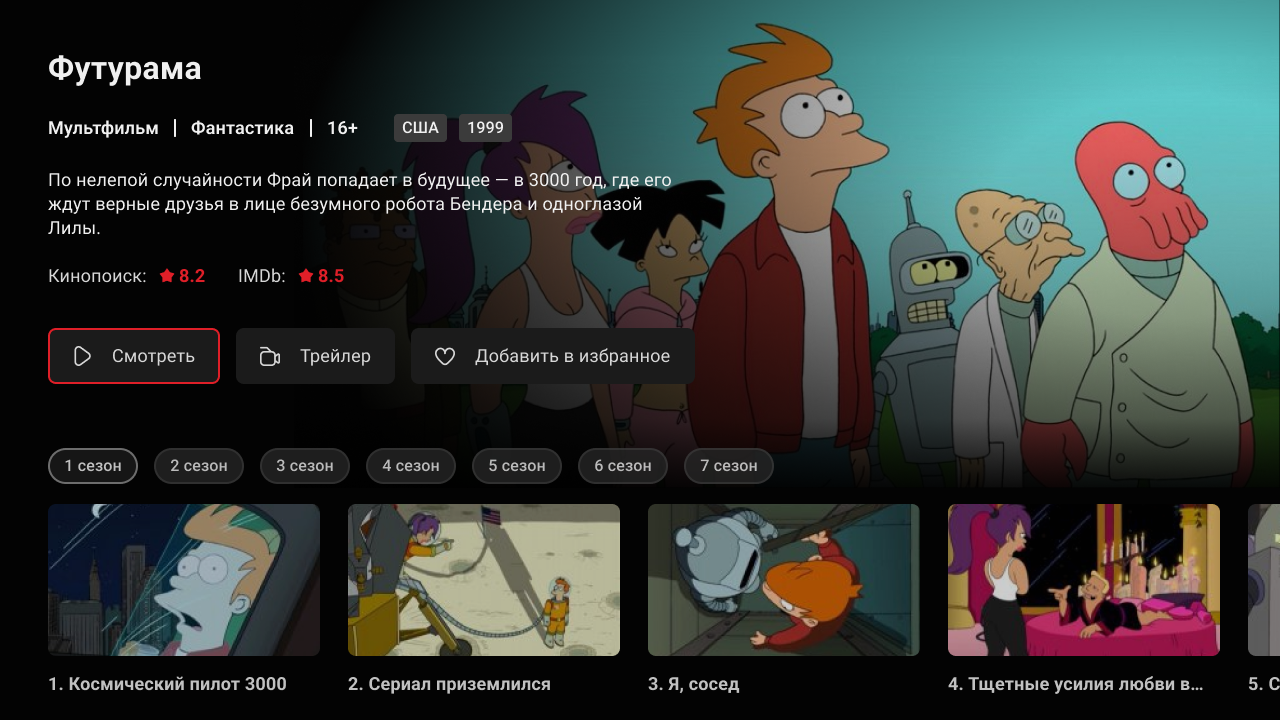
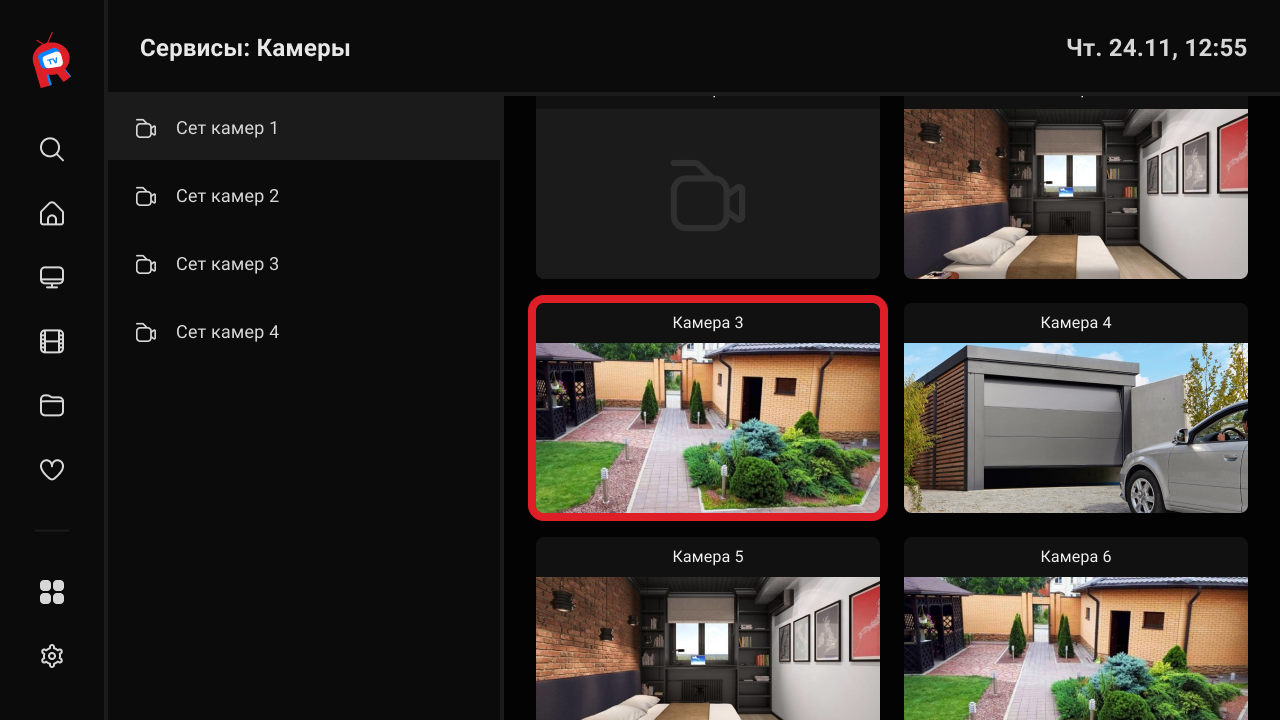
Of course, in the new interface, we could not ignore the possibility of adding a popular operator service - user access to online cameras of the city, yard.
This section supports both the format of online broadcasts and access to archival camera records.
With the help of two-way integration of billing Smarty and billing operator, the latter gets the opportunity to add personal cameras subscriber in the TV service, if such a service is available and in demand among users of the service.
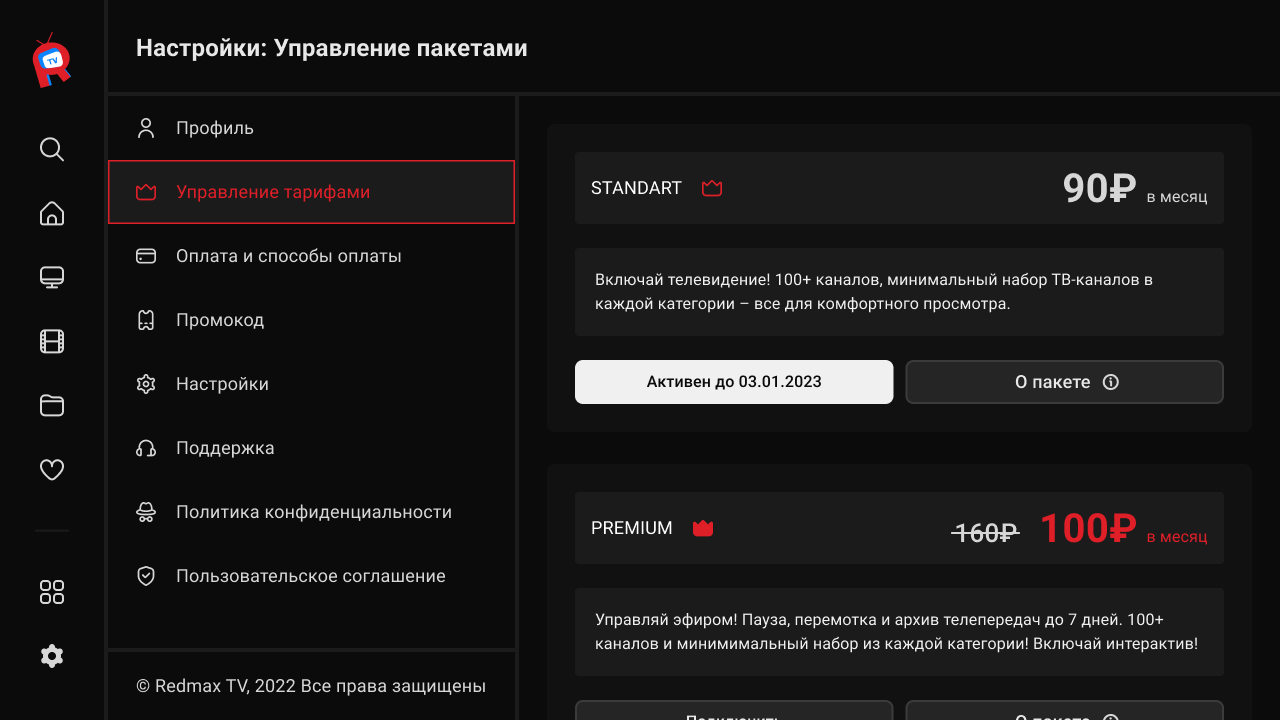
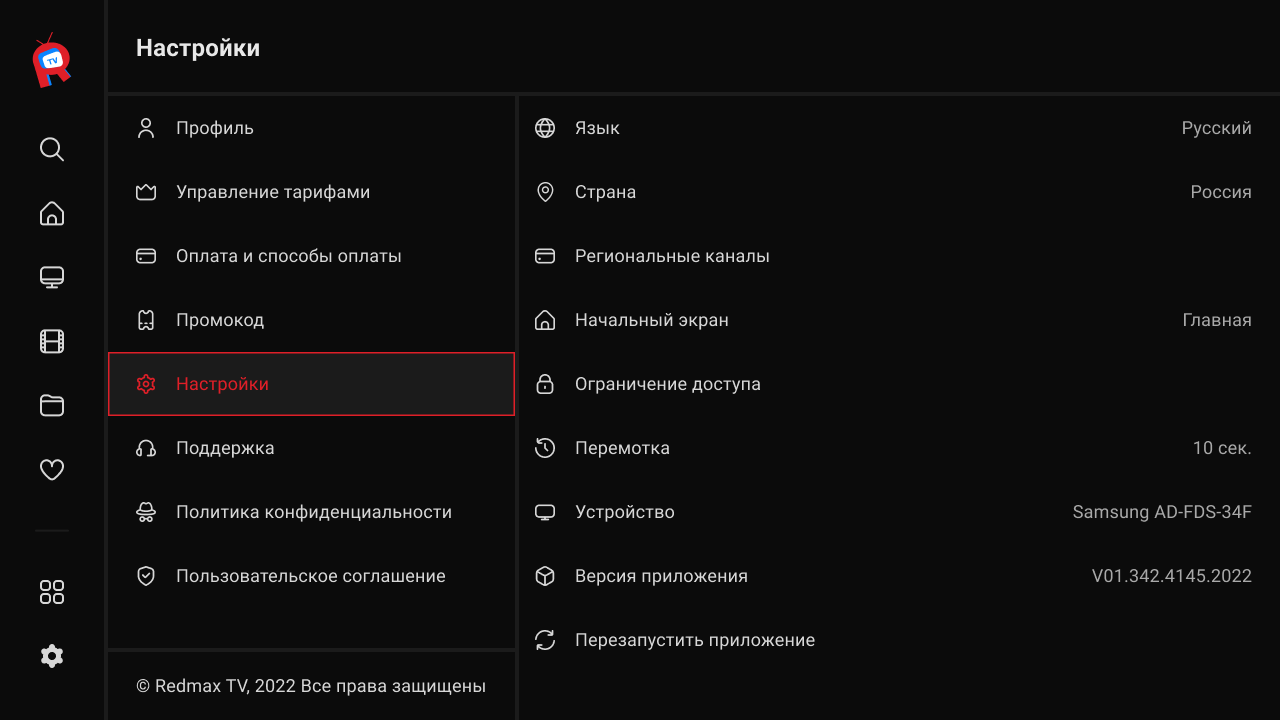
Upload a review of the new interface with examples of pages Personal office and Application settings.
Send a request
