
+7 (499) 647-49-78
+7 (499) 647-49-78
The new module «Feeds» is now available as part of the Smarty platform. Its functionality allows you to display tapes of channels, movies and programs on the main page of the TV firmware.
As statistics show, users most often download applications in markets for the sake of watching a particular channel, movie or series and only then make a decision on payment and further use based on functionality, convenience and other things. This fact suggests the need to promote the content of the operator not only inside the application, but also outside it - even before the first contact of the user with the service. It is this « zero» touch allows you to implement a new module «Feeds» — tell the user about the content inside the application before it starts and after shortening the path to its opening in the player to a couple of clicks.
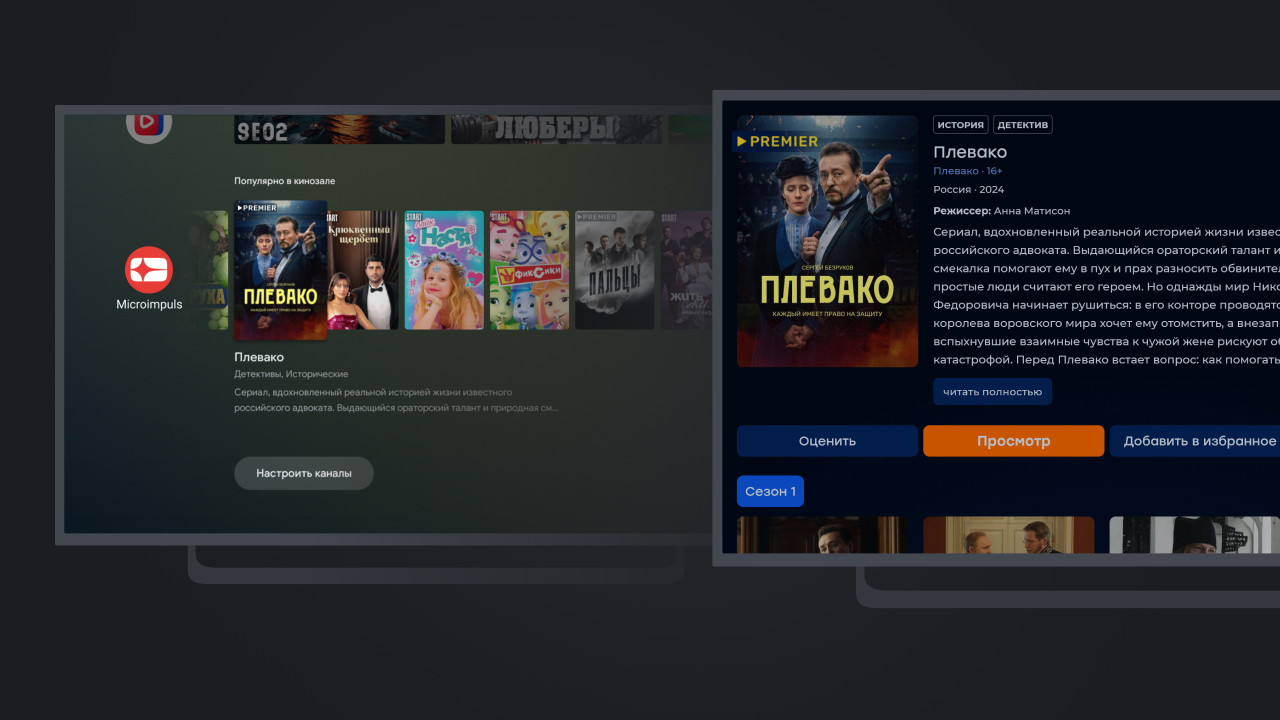
From the point of view of settings «Feeds» located in the section «General settings» administration panel (this section is available with the appropriate license option) and the configuration mechanics reminds «Dashboard» — list of content tapes available on different platforms.
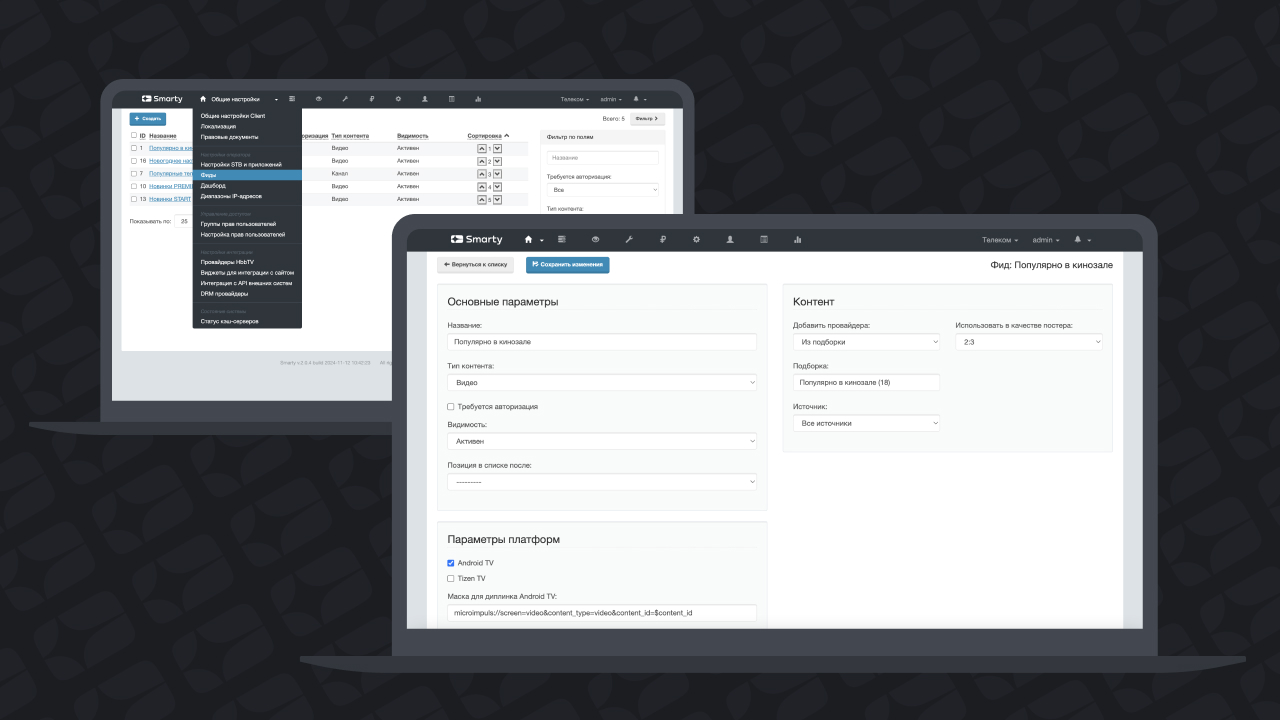
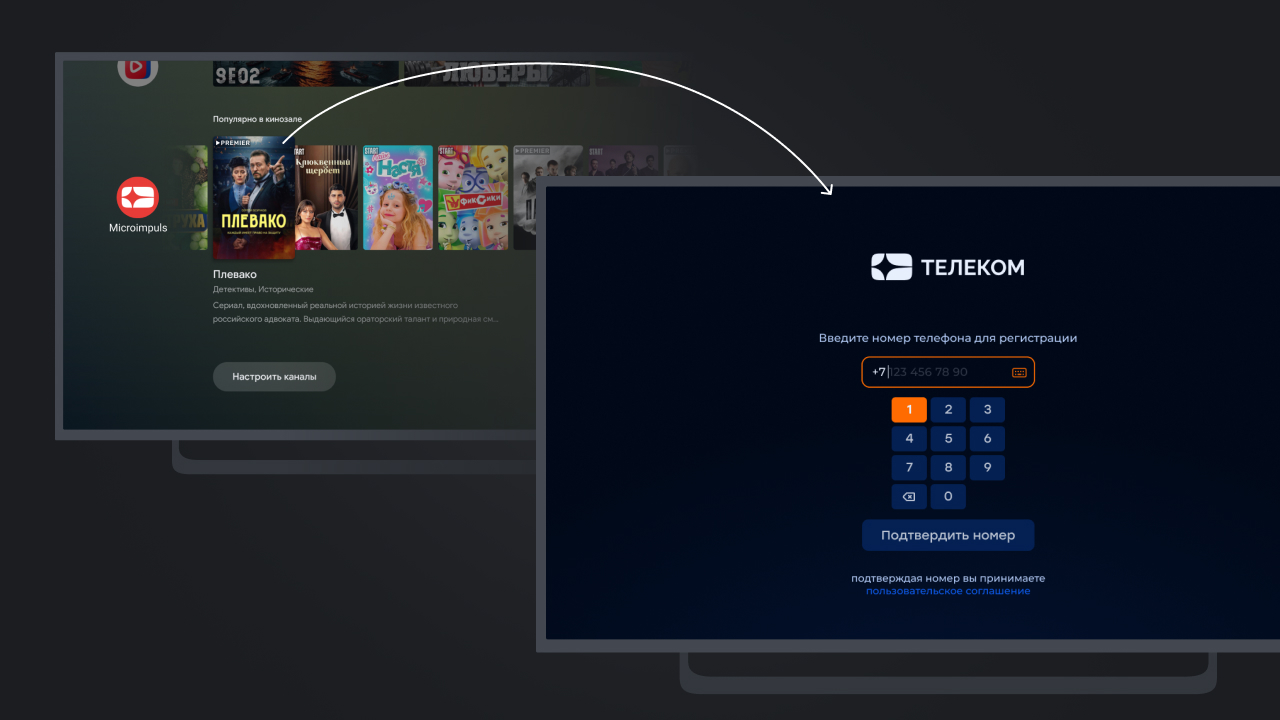
Each tape has accessibility settings: visibility, availability of authorization and others. Disabled checkbox « Authorization is required» allows you to display content available in the application for unauthorized users, and in the case of clicking on the cover of such content, the user will be directed to the registration and authorization page in the service.
Once authorized in the application, users can configure the display of more feeds in the firmware and click on the movie or channel will automatically lead to its page inside the application.
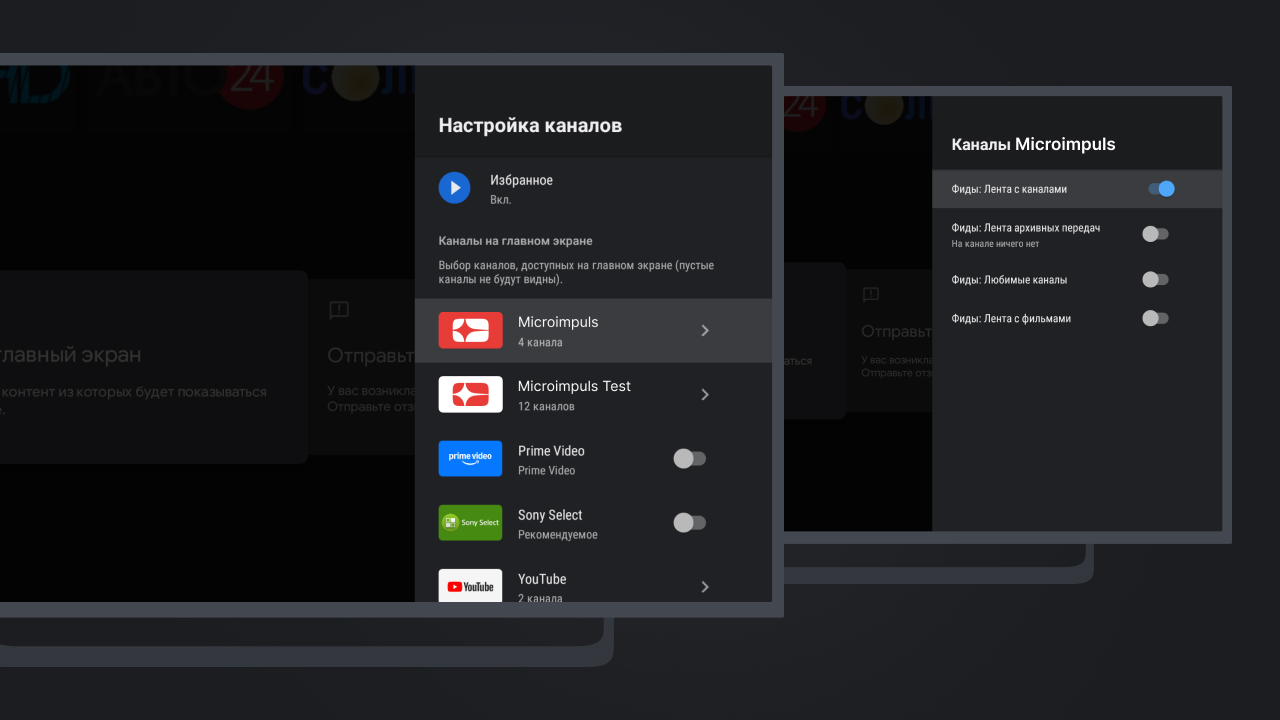
Android TV firmware also allows you to place the application content inside the tape «Favorites» or «Continue viewing» (the name of this tape varies depending on the firmware modification). We also added this feature to the feed module as part of the Smarty 2.2 release.
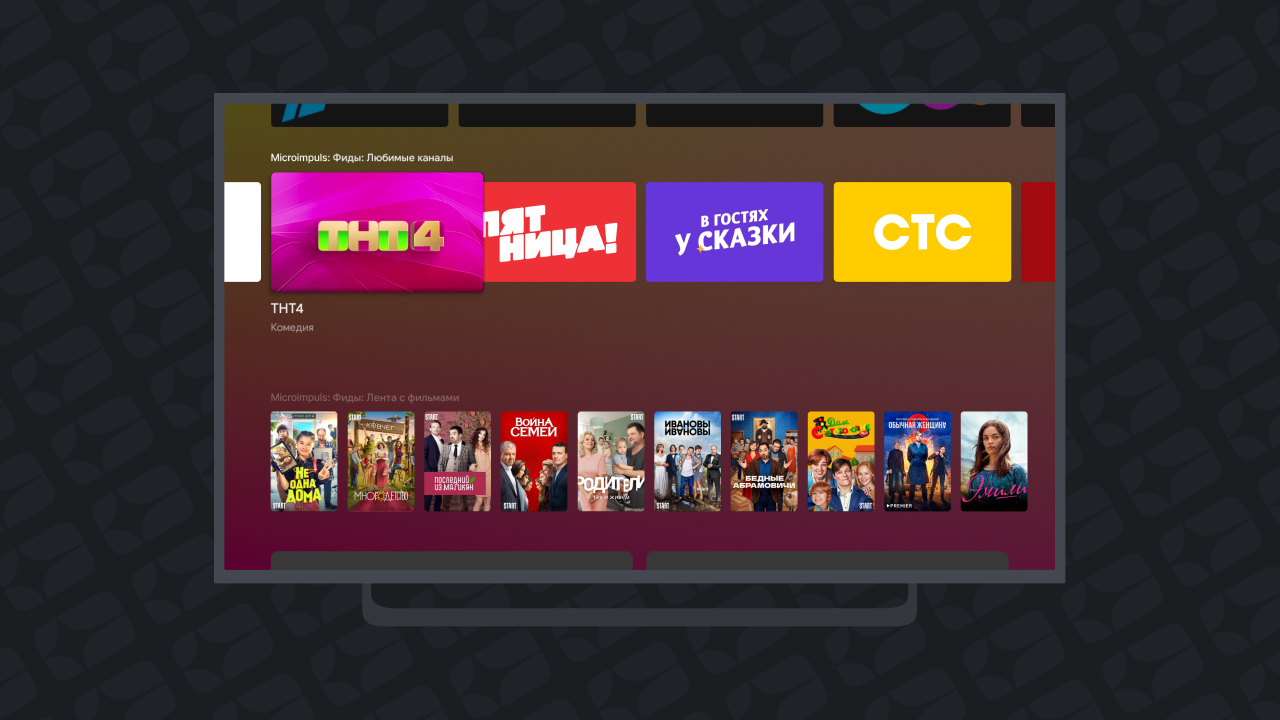
In addition to Android TV Smarty also allows you to display feed inside the firmware Samsung Smart TV - however, only one on modern TVs (earlier models allowed you to add more than 1 feed).
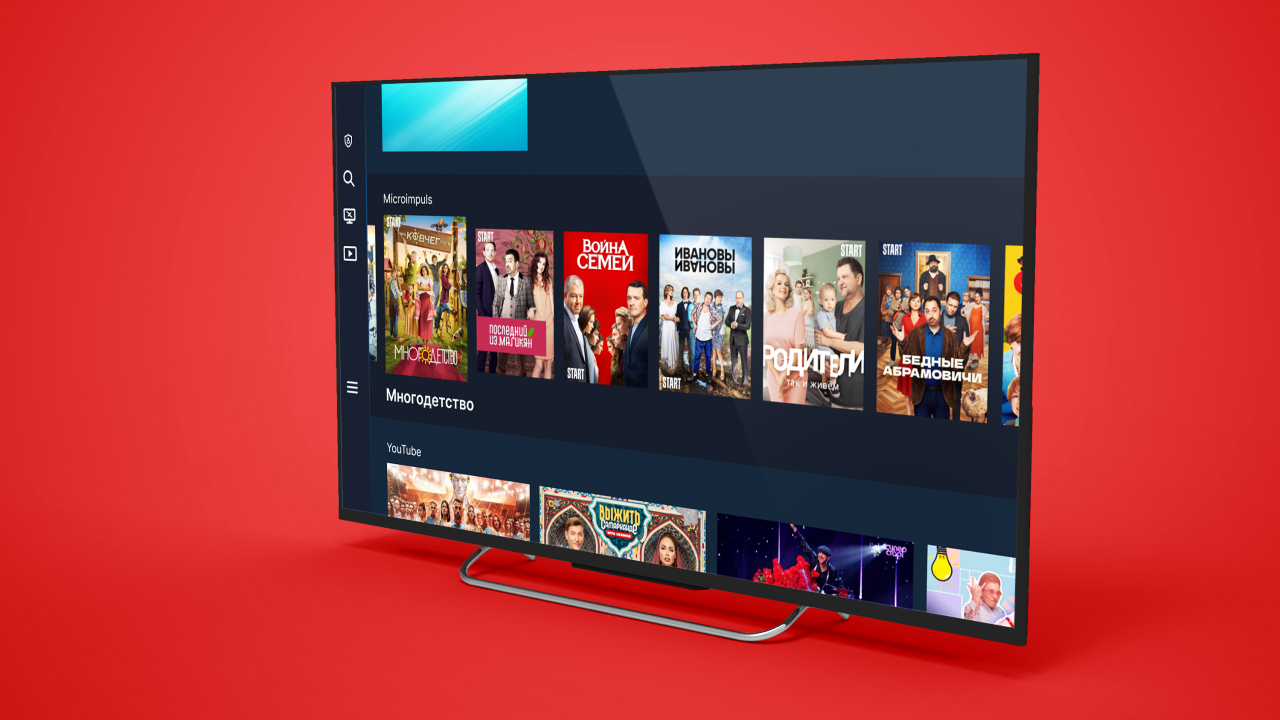
We do not stop the further development of the module, but continue to explore and wait for the same opportunities from other TV and console vendors. Details of the feed configuration can be found in our documentation.
Send a request
