
Engine
- Fixed an issue that caused Samsung Tizen TVs to have «
undefined» instead of device identifier. - The algorithm for generating the device identifier for Android 11 has been adjusted; with this fix, the application also needs to be rebuilt.
- The mechanism for sending viewing statistics for the START cinema has been updated.
- Added option
samsung_smart_tv_https_stream_url_replacea link to a channel or movie stream to a special look. - Implemented method of restarting the device for Tvip consoles.
- Added brand and device model transfer for the mechanism of separation of device types by brands and models.
- Fixed errors related to advertising that does not have events to send statistics.
Futuristic
- Options added
enable_system_debug_for_user_agentandenable_system_debug_for_device_uidto enable the debugging console on devices for a particular User-Agent or specific device identifier. - Added the ability to configure the screensaver for long inactivity in the application using options
screensaver_imagesandscreensaver_change_delay. The options set a list of pictures that will change on the screen, as well as a time delay between them.
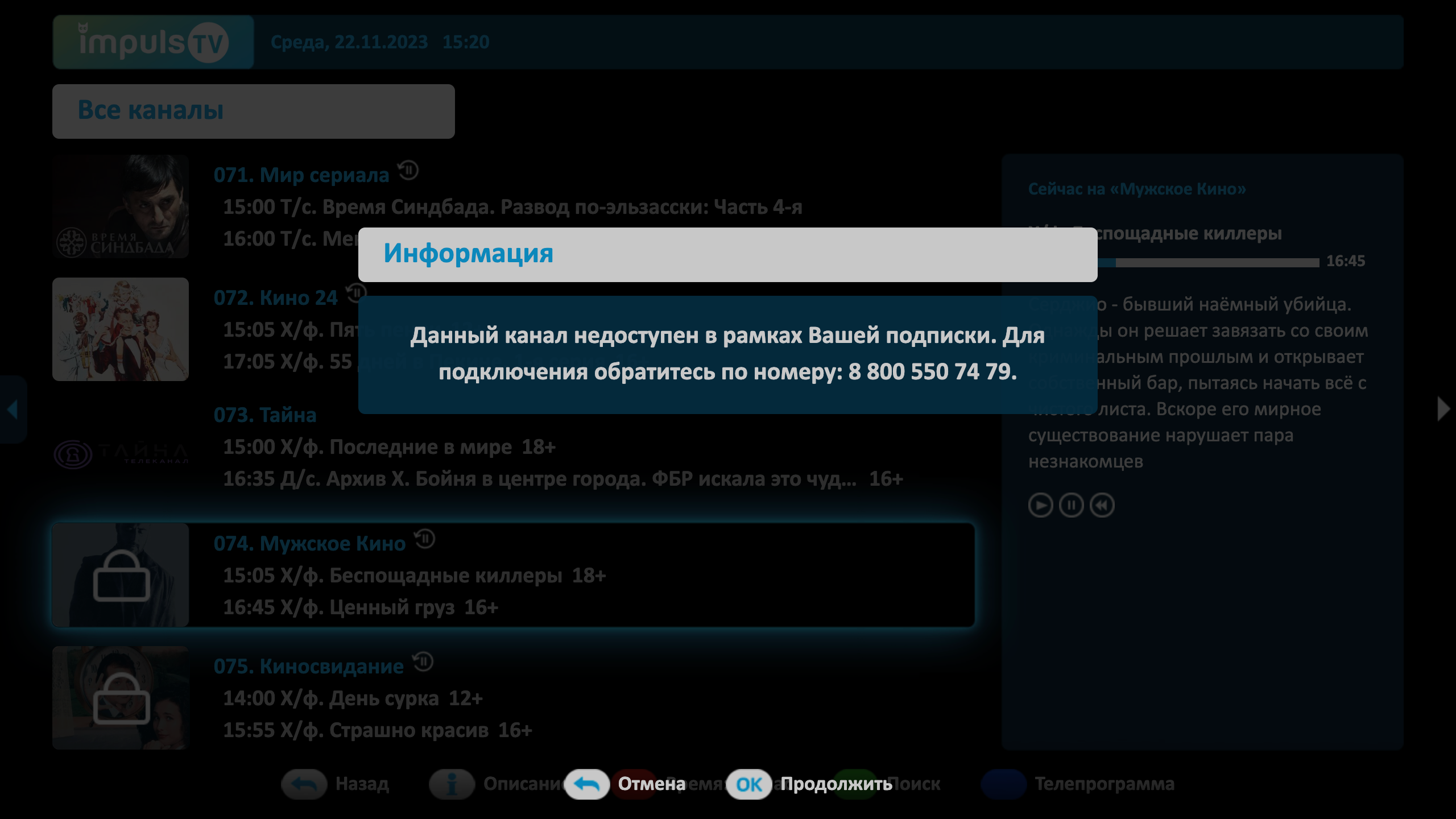
- A new option added
support_info, with which you can customize the message shown when you press the channel with a lock.
- Added the ability to redefine the option
tv_channels_list_modefor residents Plus TV. - A large additional refactoring of the interface was carried out to match the new
hardenedgoogle Play Guidelines.
Sibseti
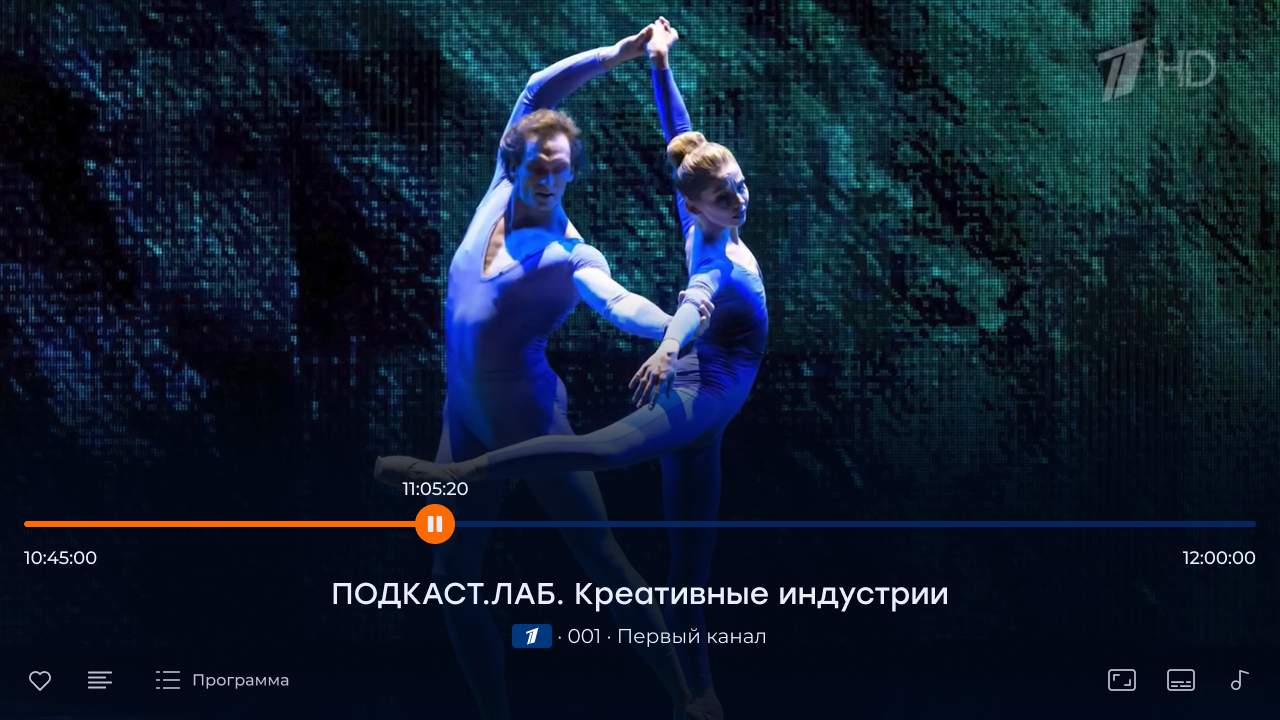
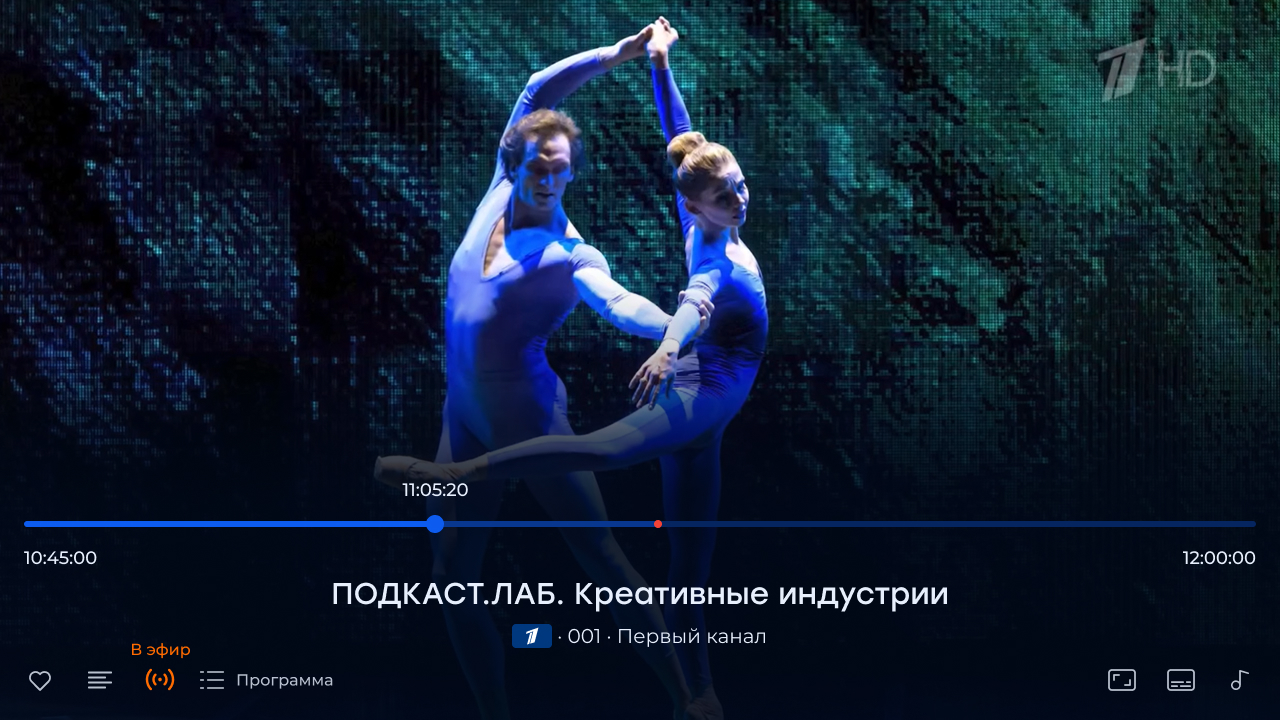
- A large-scale refactoring of the full-screen player was carried out, within the framework of which the delay in the delivery of Live channels for a pause was minimized, and a new infobar mode was added, thanks to which the switching of channels with the Up-down buttons does not require double pressing. In addition, the player control buttons were more ergonomically repositioned inside the infobar:
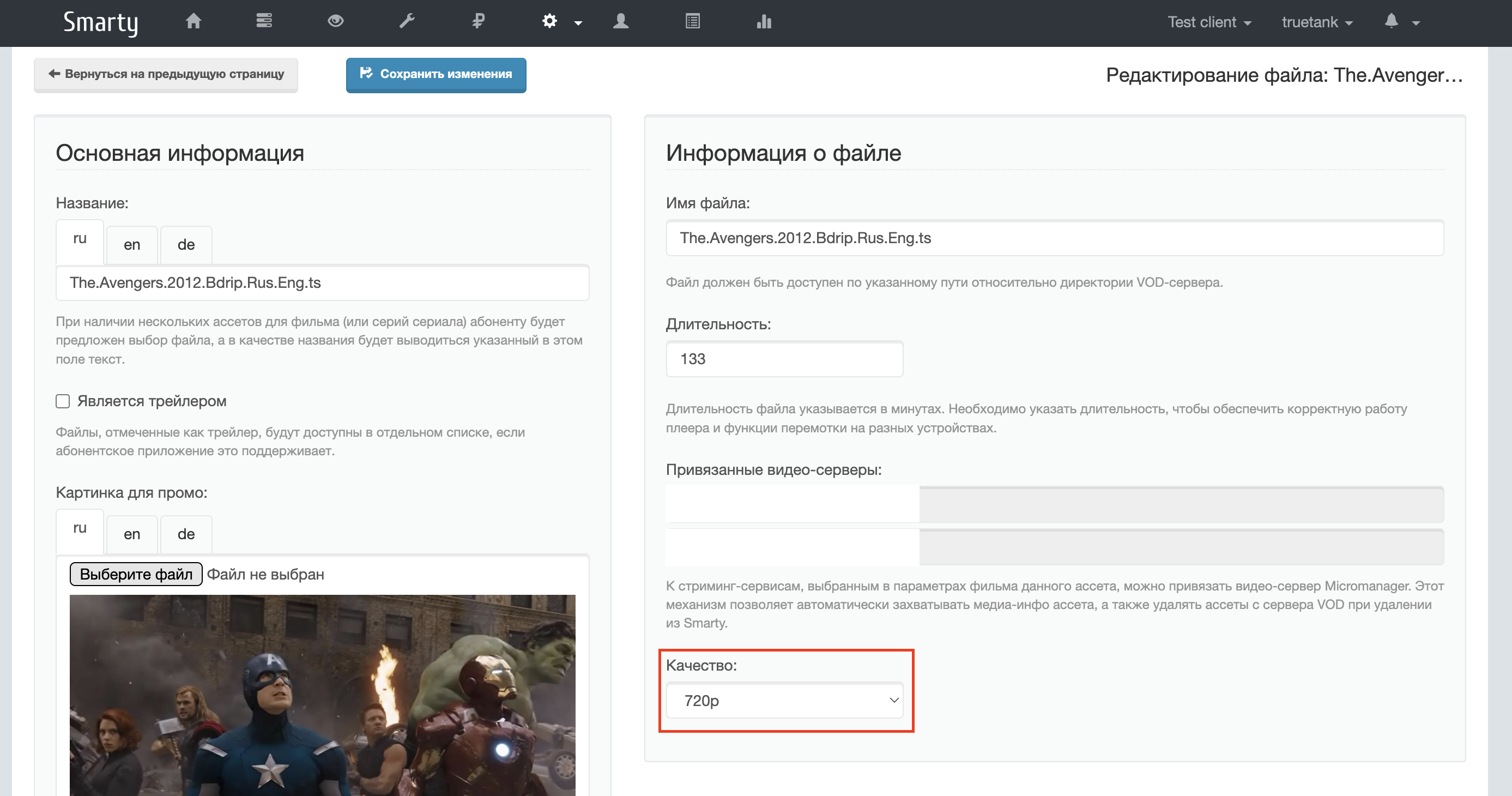
- In the full-screen player for movies and TV series, the ability to choose the quality of the stream is added:
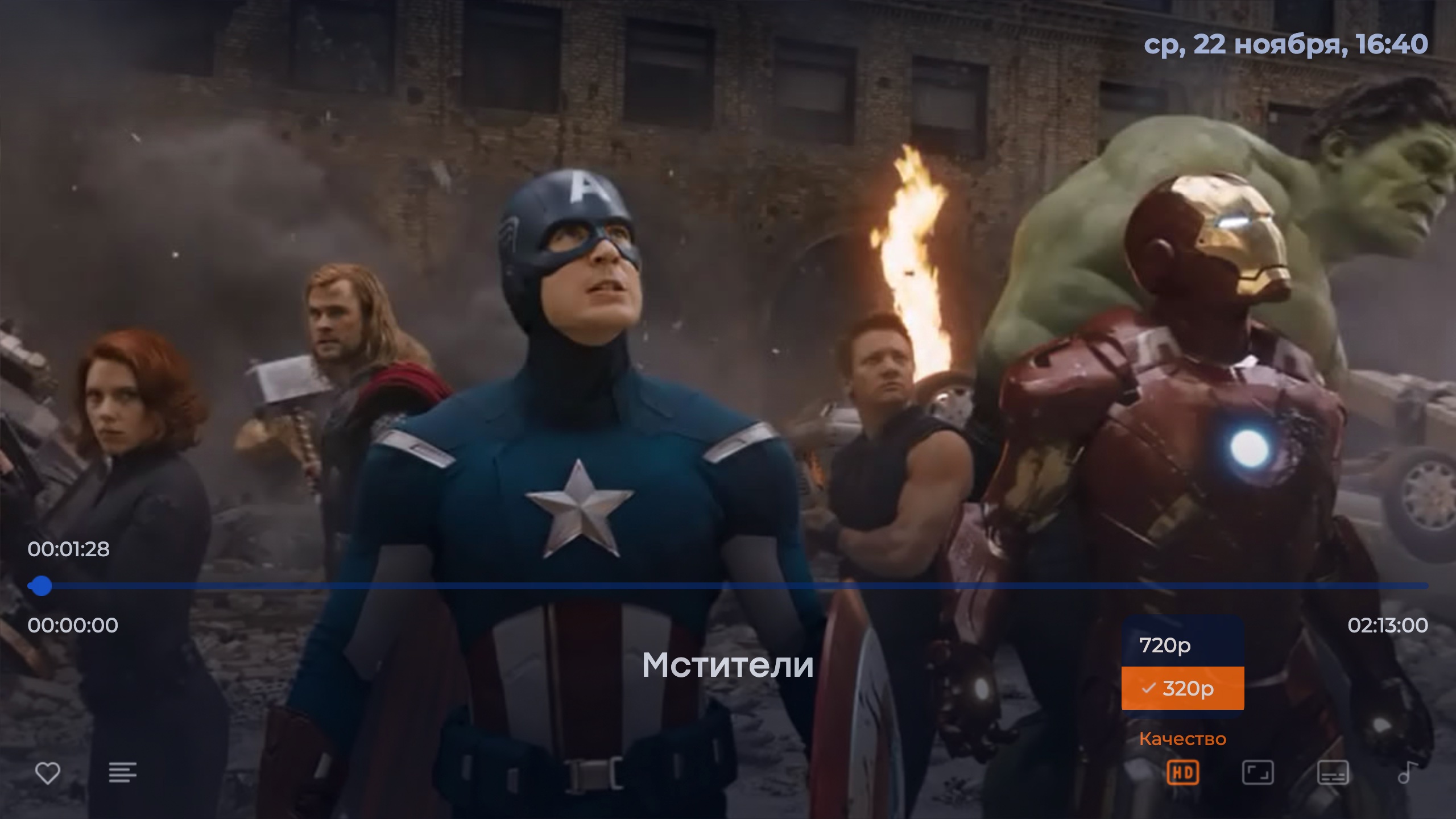
Qualities for films and episodes of series are created using assets with different field values «Quality»
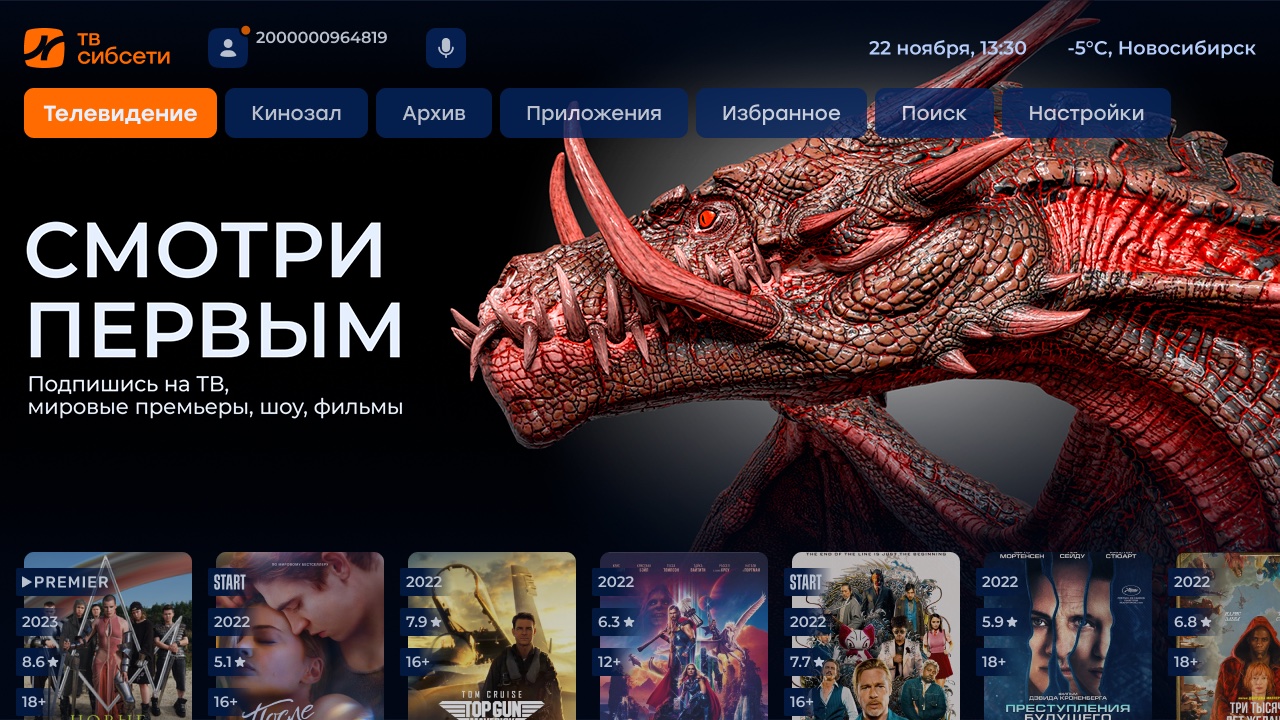
- A new method is now used to display and update balance in the home screen
CustomerBalanceThis reduces the load on Smarty. In addition, a new option was addedshow_customer_balanceWith the help of which you can hide the status of the subscriber’s balance on the main screen if the operator does not synchronize the balance state with Smarty.
- Added the ability to create a widget « Speed Test» in the settings section. To do this, you need to create the appropriate widget in the admin and set the Sibseti template to it.
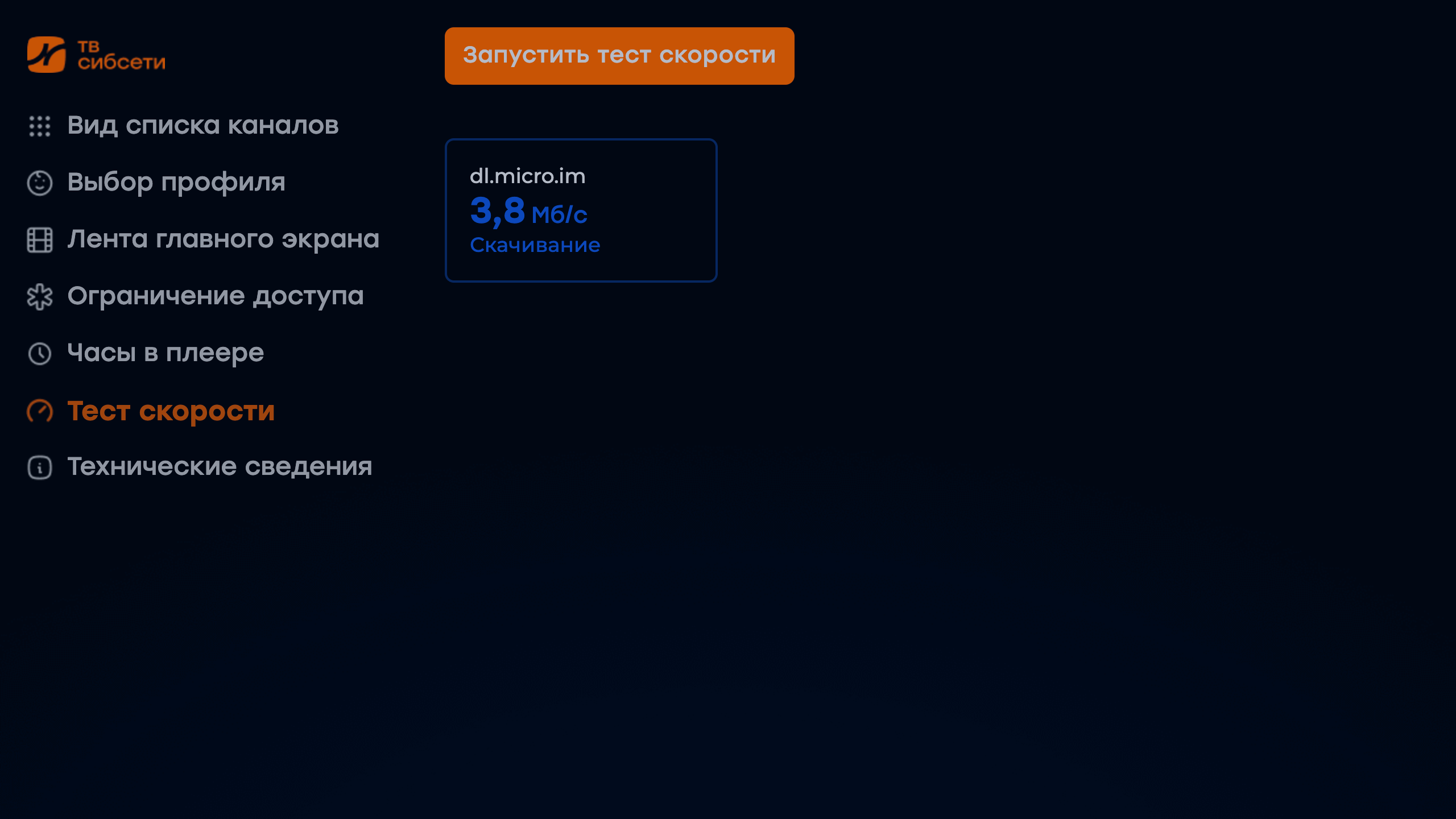
The widget is created by analogy with Futuristic you only need to replace in the address before the widget futuristic on sibseti, widget documentation for Futuristic « Speed test» — here.
- The labeling of film covers with cinema logos is now carried out using pictures installed in the admin for the video provider:
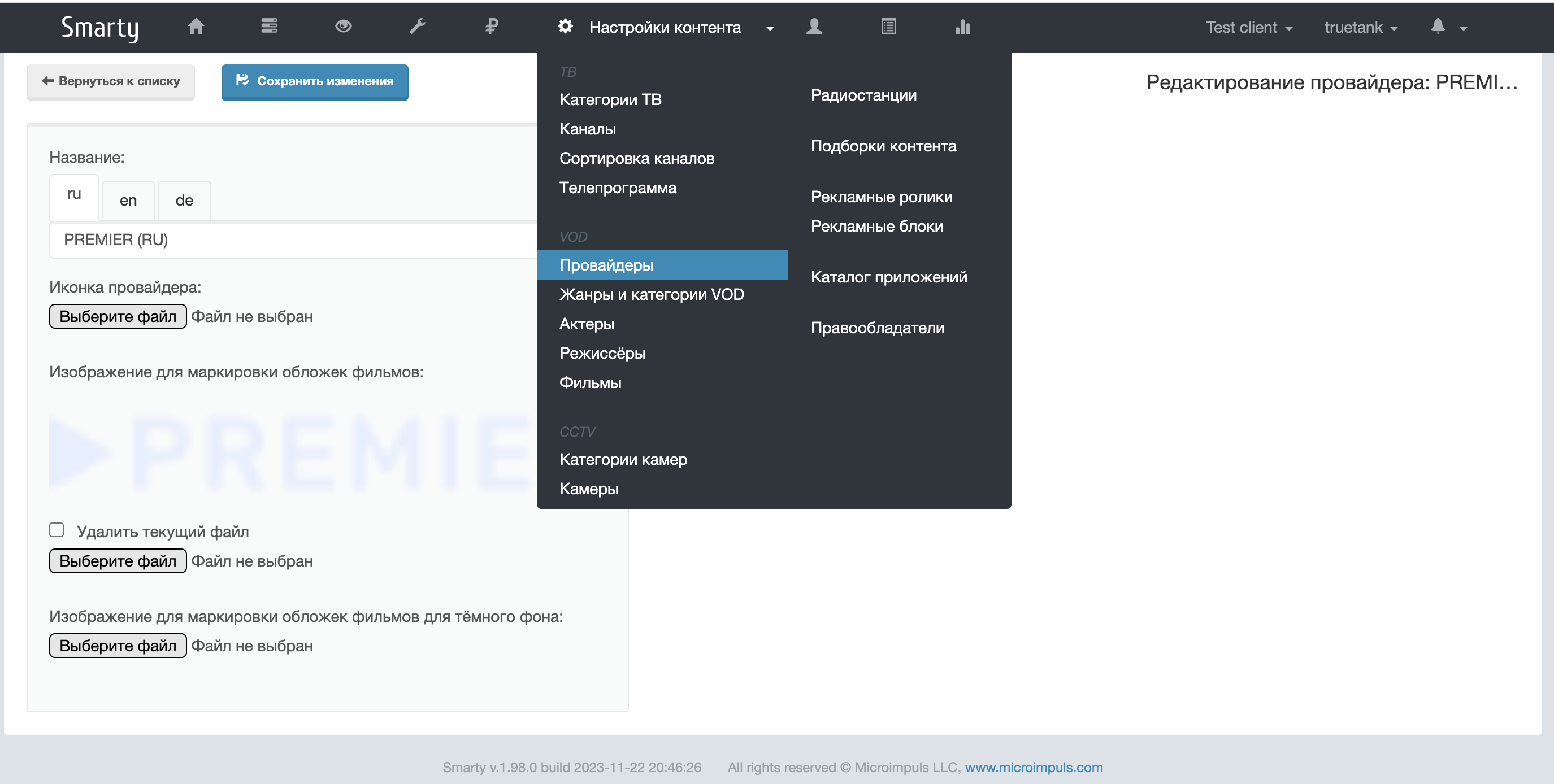
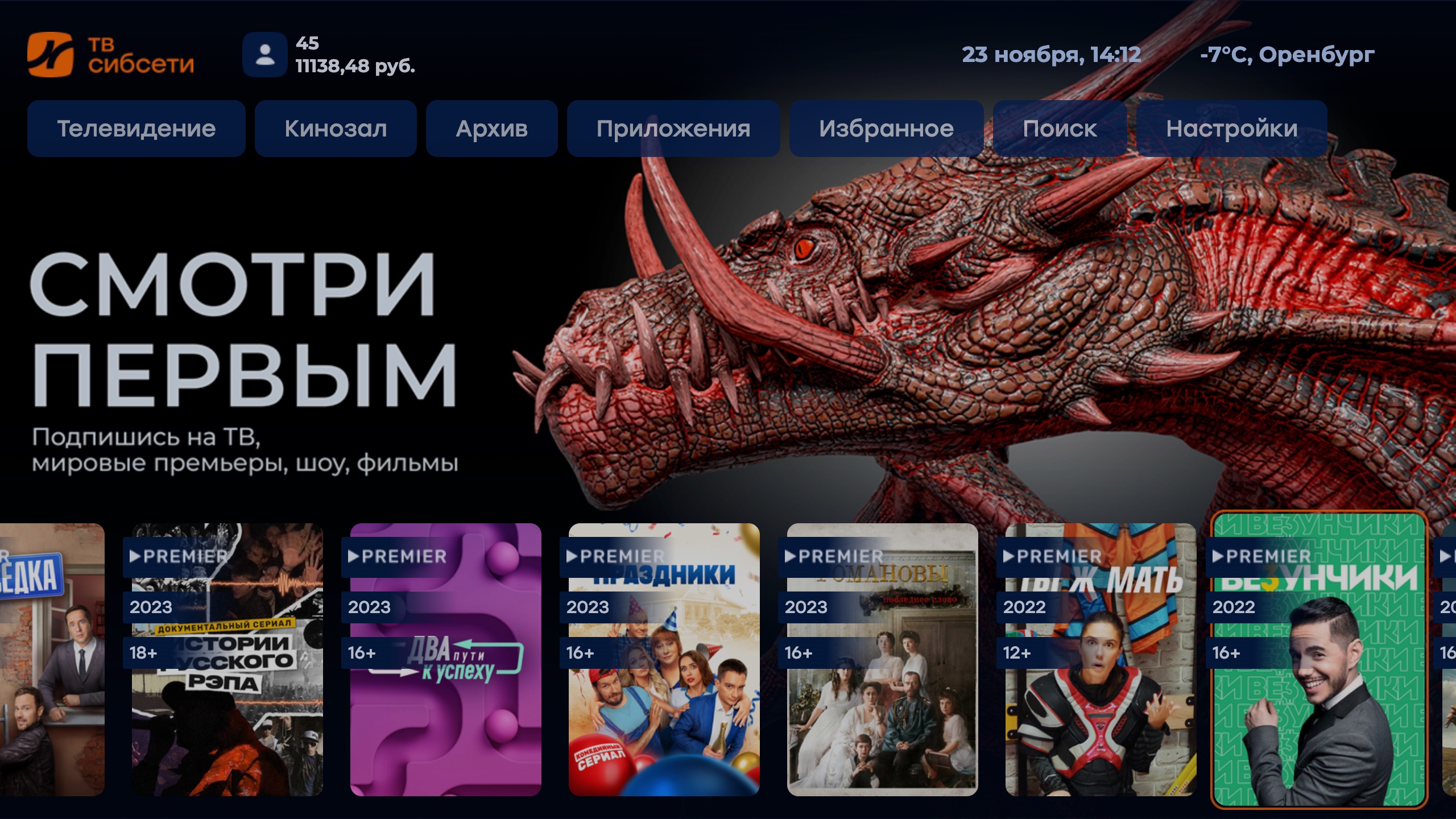
Links to download image files for integrated cinemas: PREMIER and START.
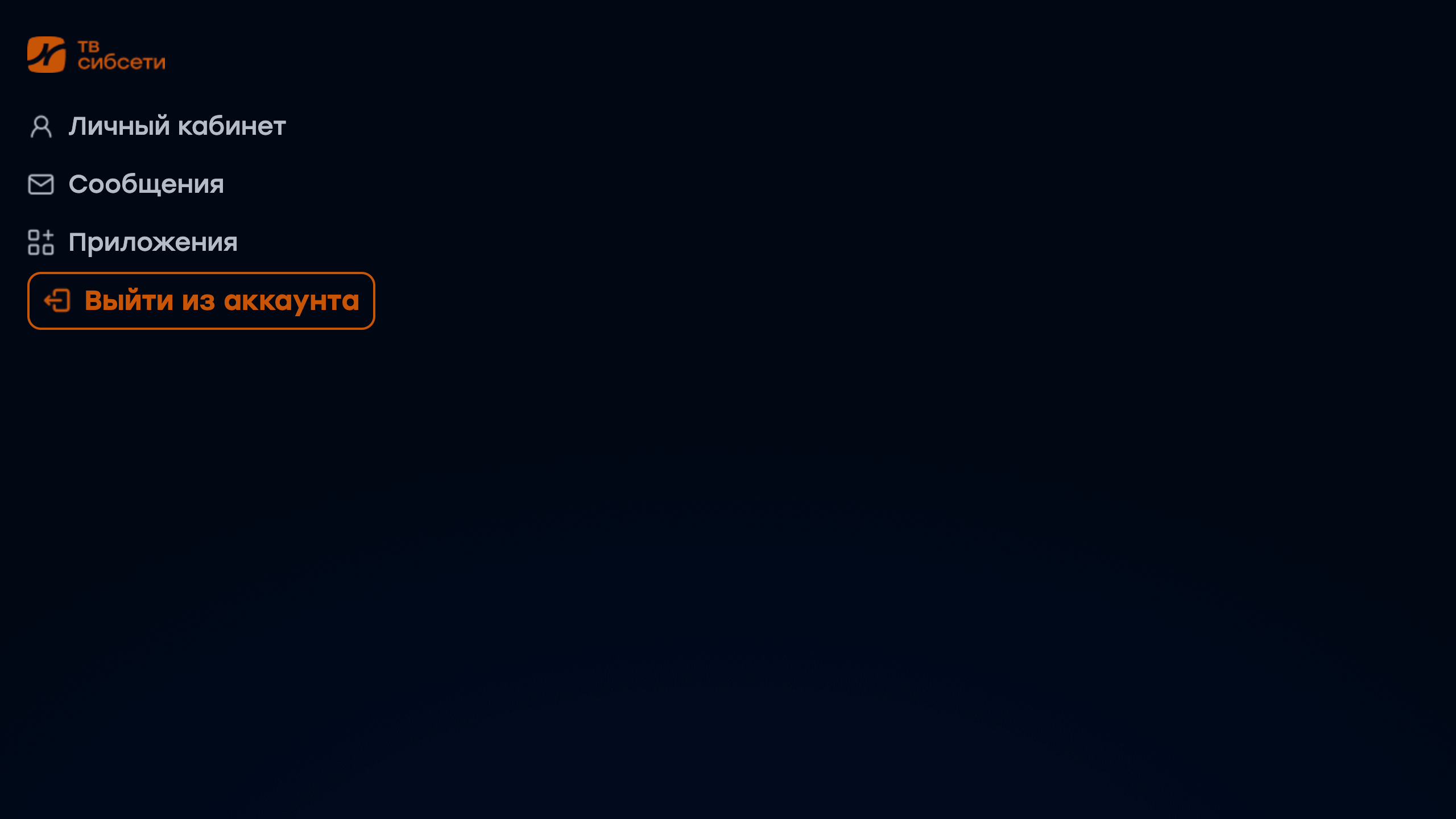
- Added the ability to exit the account when you enable the option
show_logout_option:
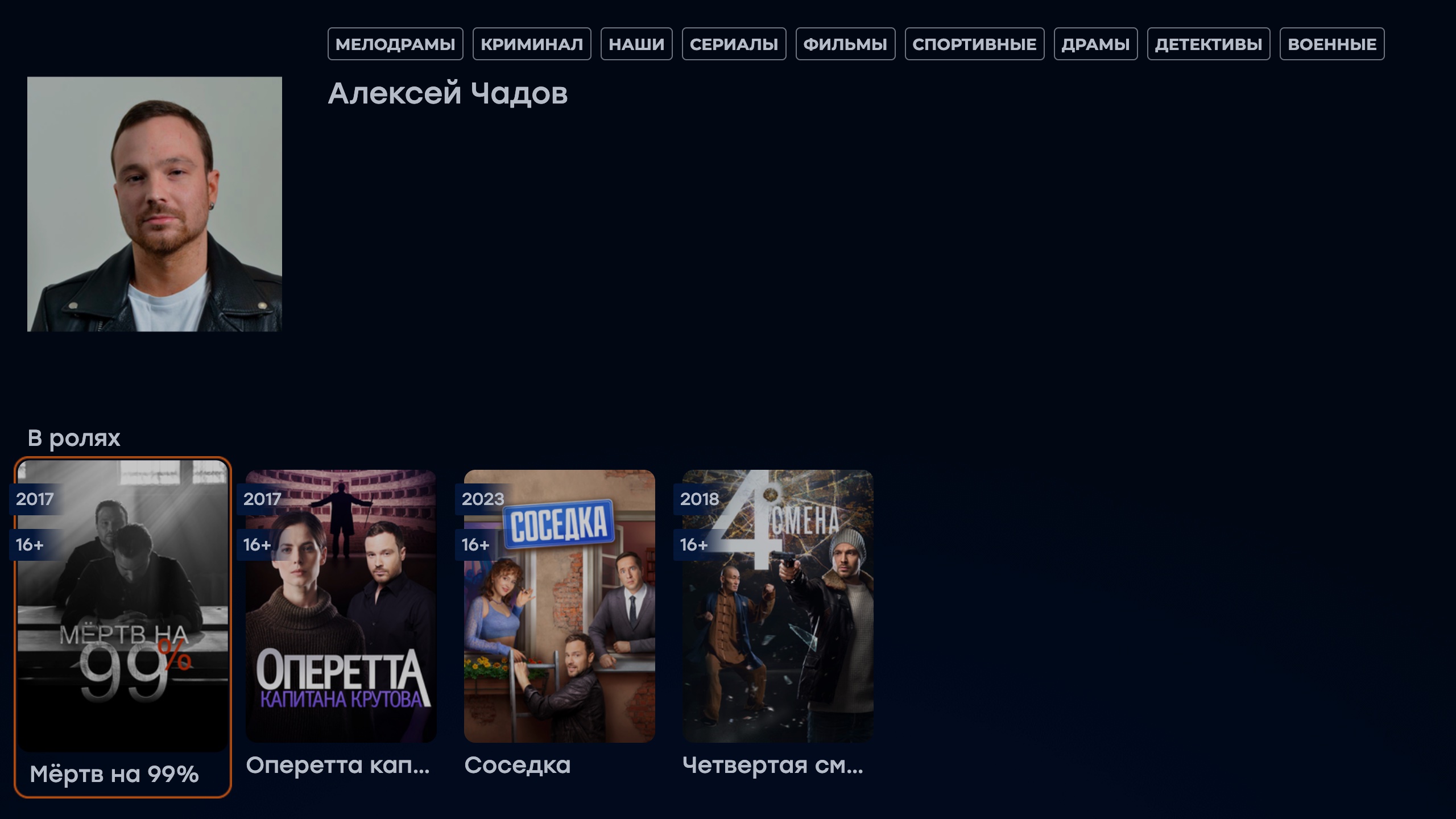
- A new option added
actor_vod_sort_orderfor the opportunity to put sorting for films displayed on the actor's screen.
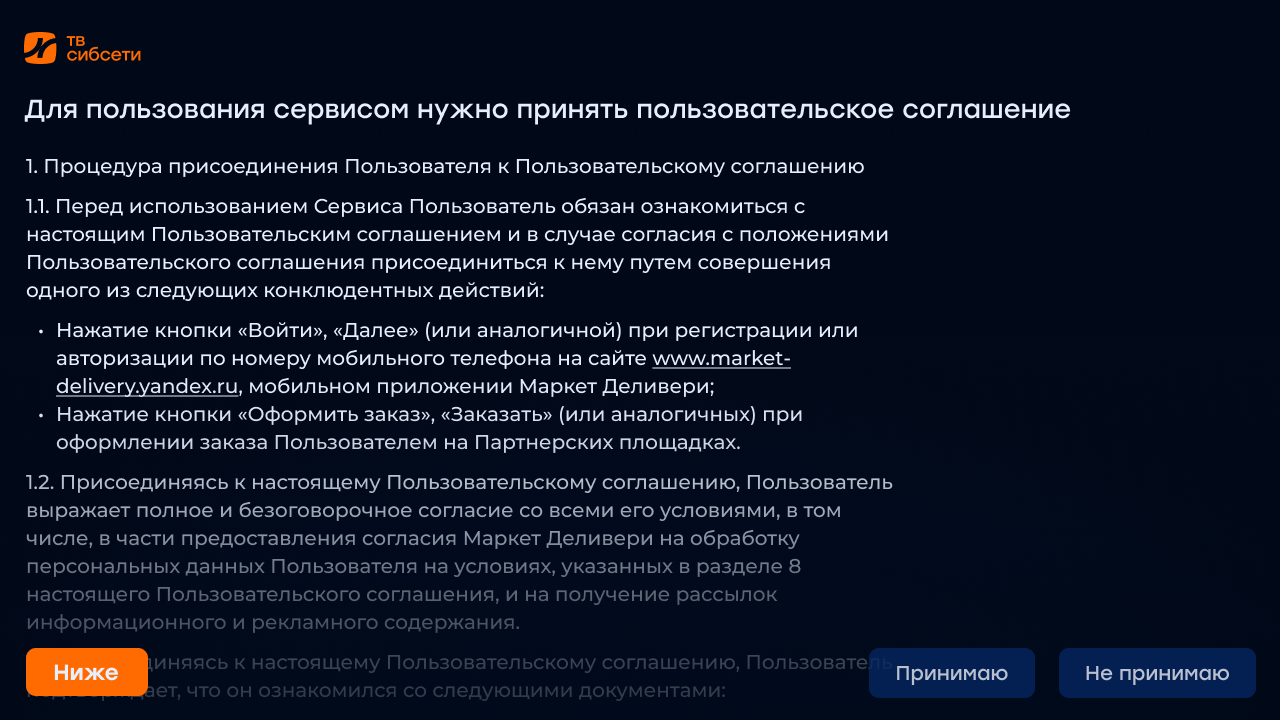
- Added the display of legal documents before registration, as well as the ability to set a QR code instead of the registration screen — as a rule, in this case, the QR code leads to the registration form on the operator's website.

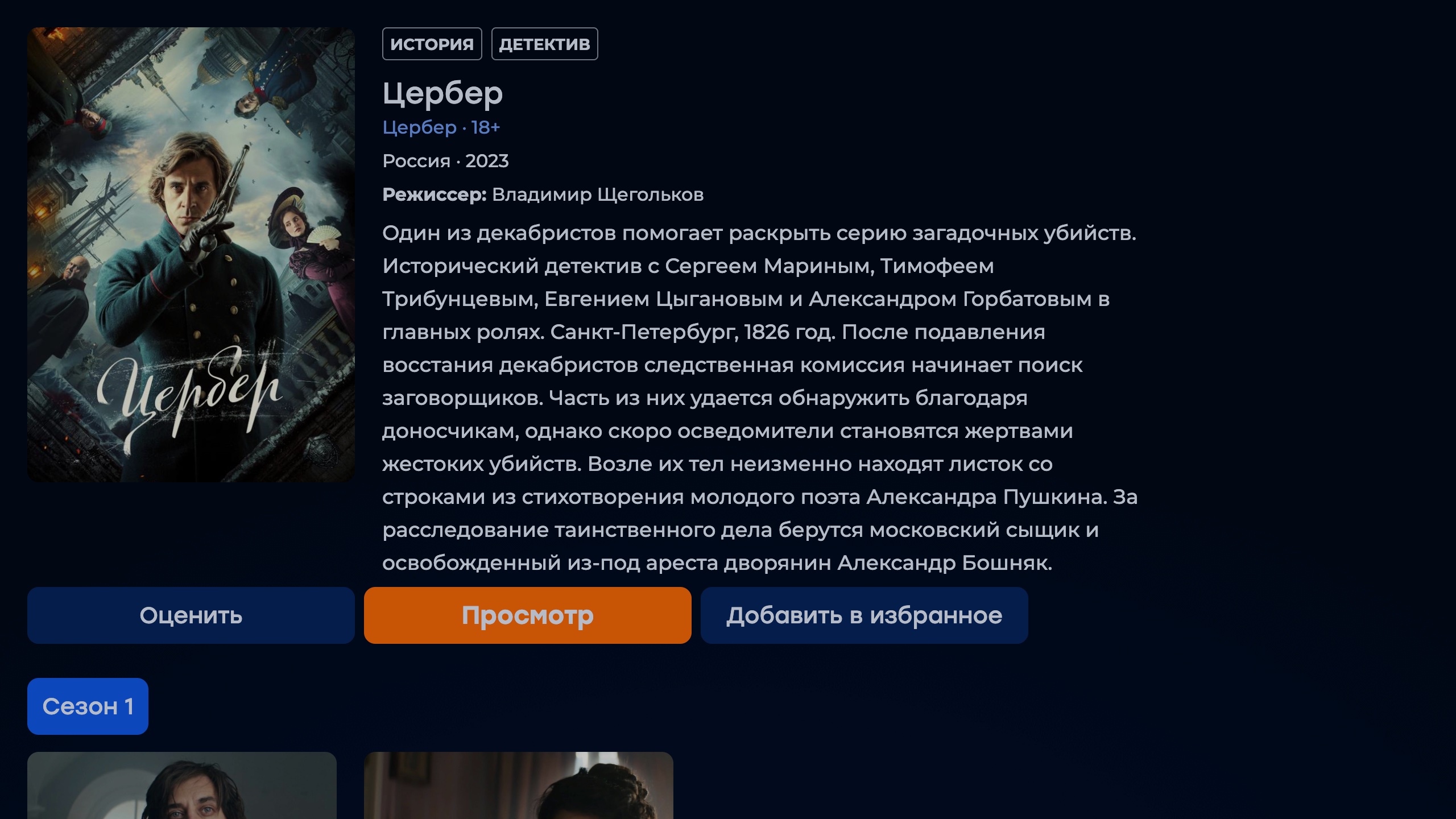
- On the screen of information about the film, the display of its director is added:
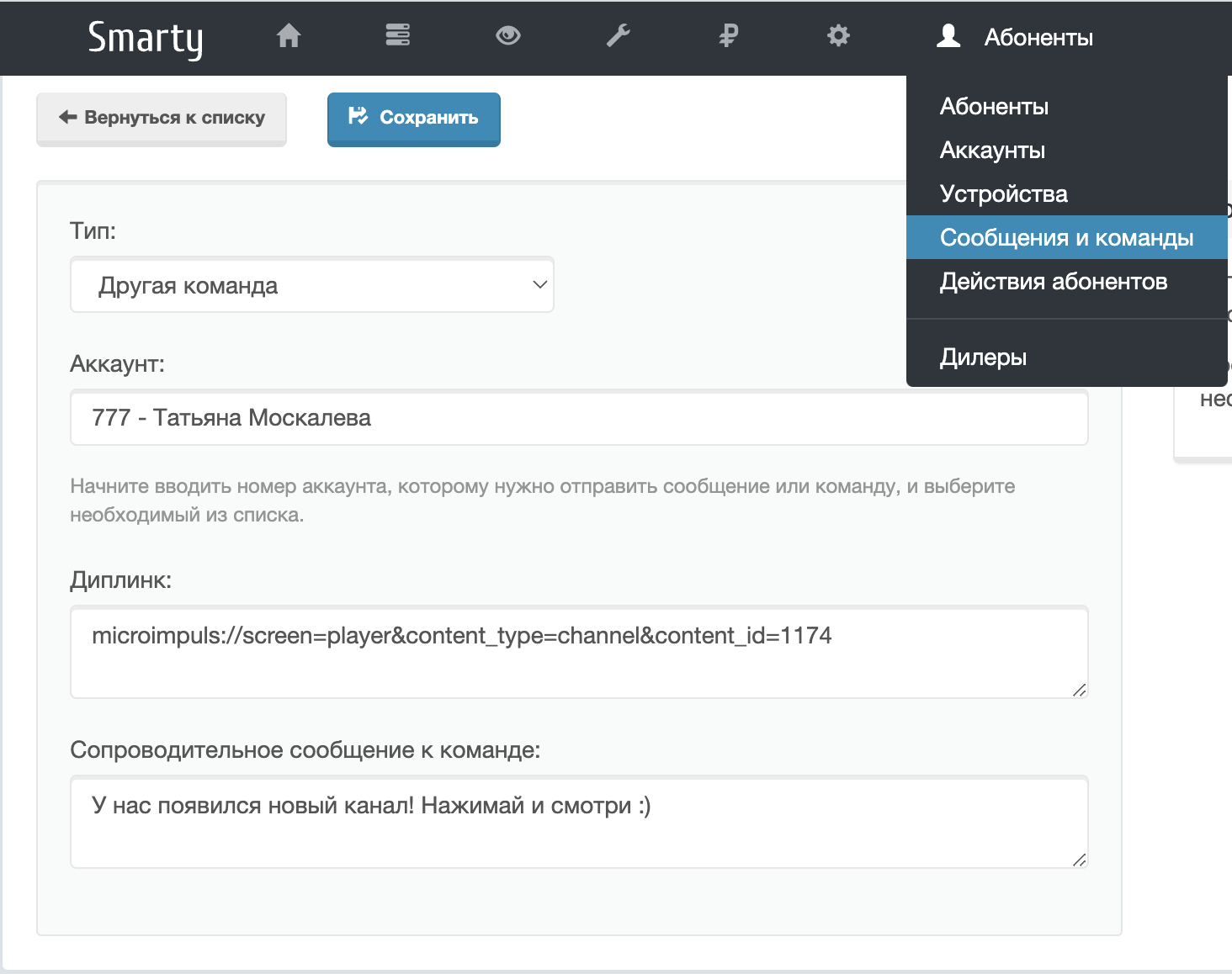
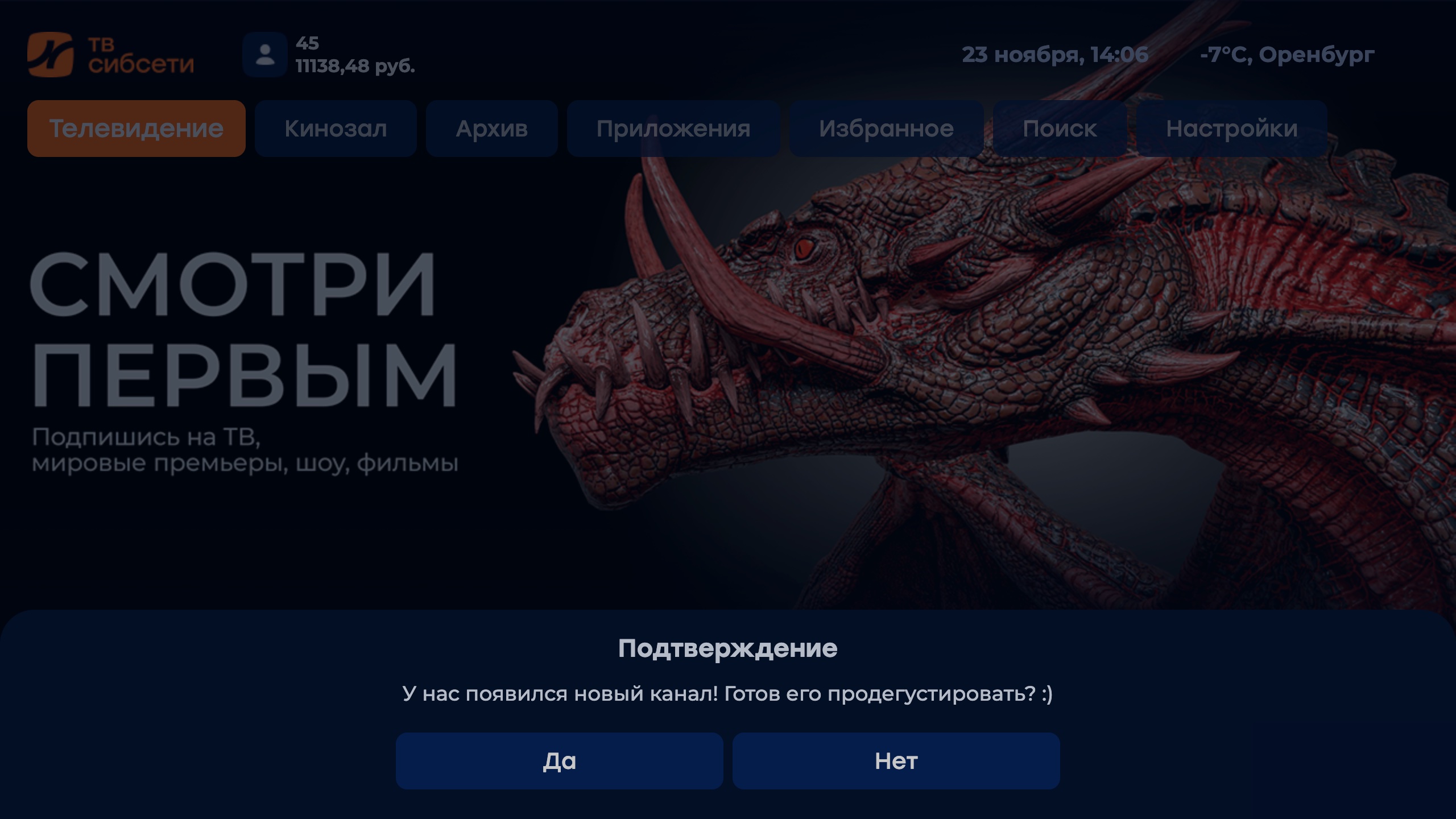
- For messages coming to the subscriber in the framework of mass mailings, you can now prescribe a diplink for the launch of a certain channel:
- A new option added
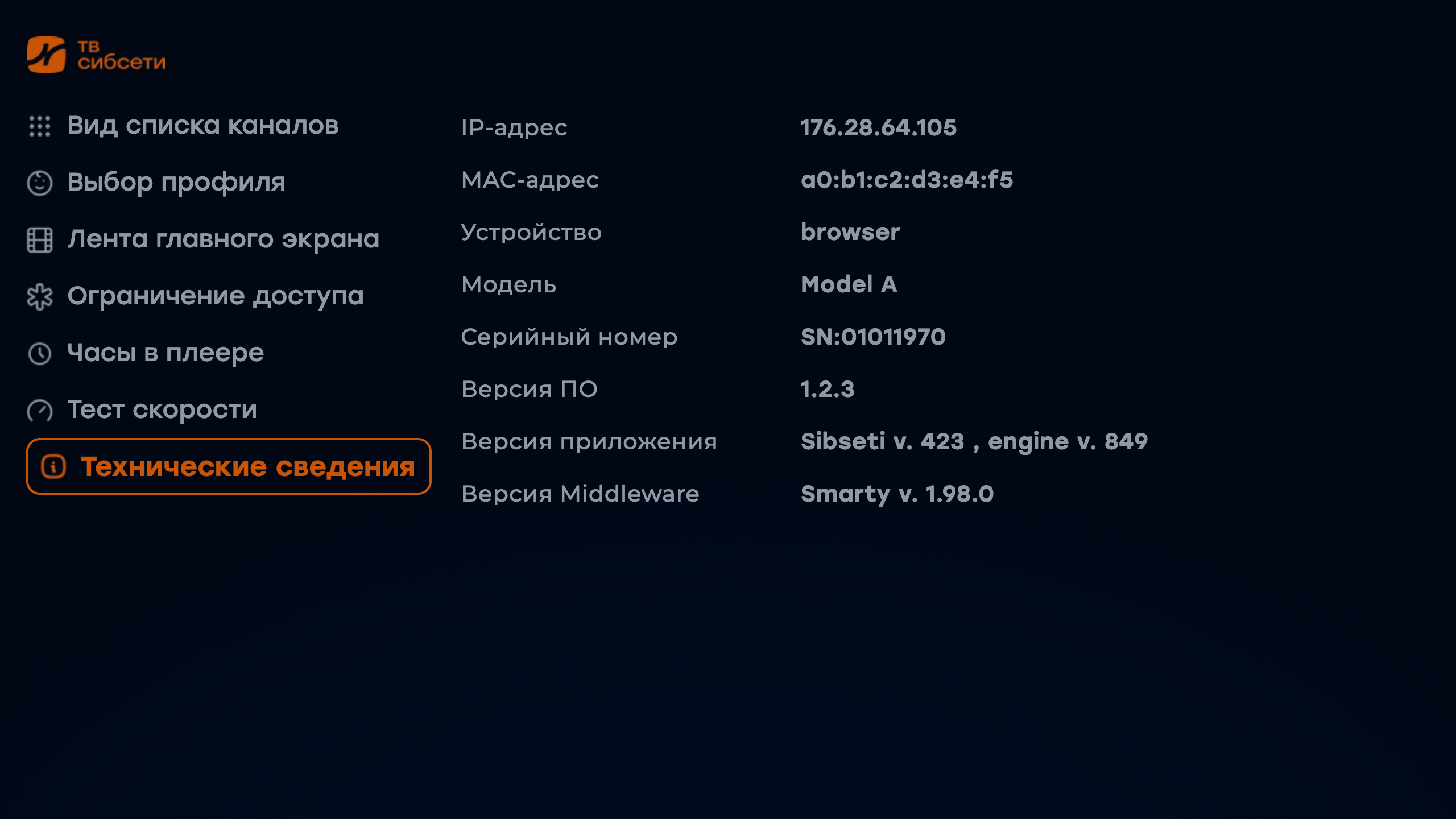
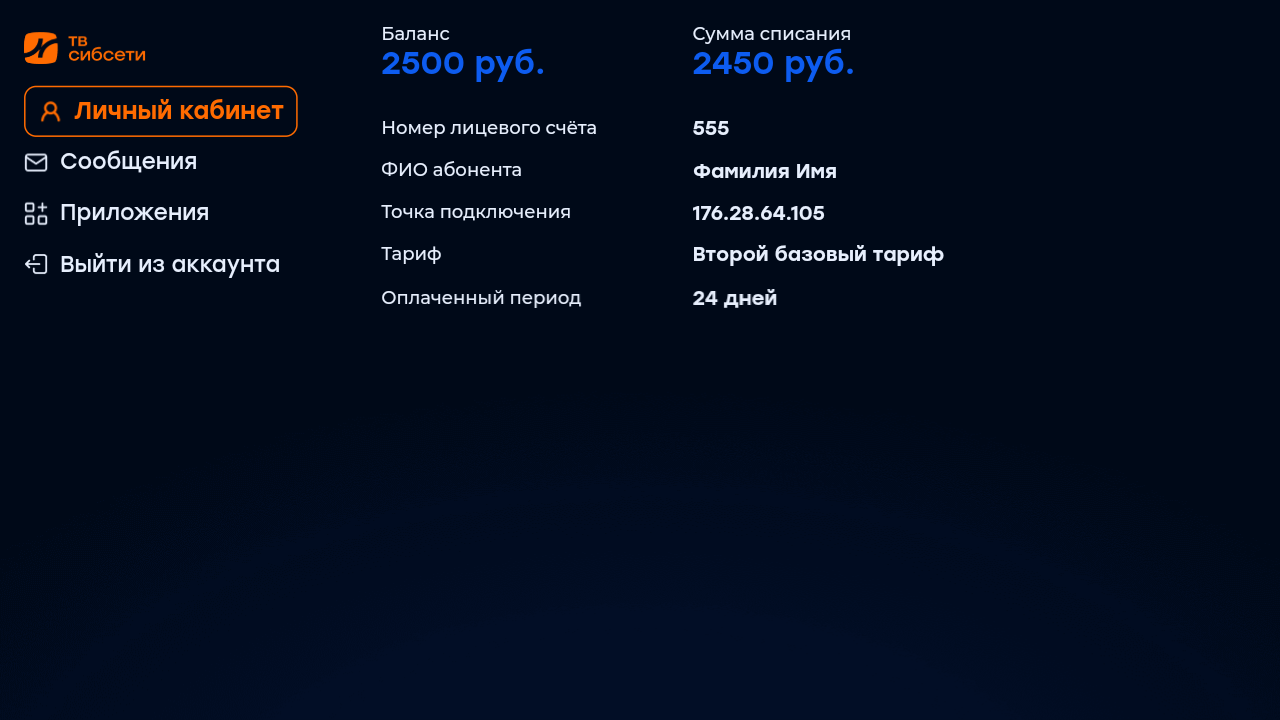
show_personal_info, with which you can manage the display section «Personal account ». - In the tab «Settings» added technical information about the device, and in «Personal account» — display of personal data of the subscriber.
- Fixed a pack of small bugs associated with various transition scenarios between the full-screen player and other screens.
Redmax
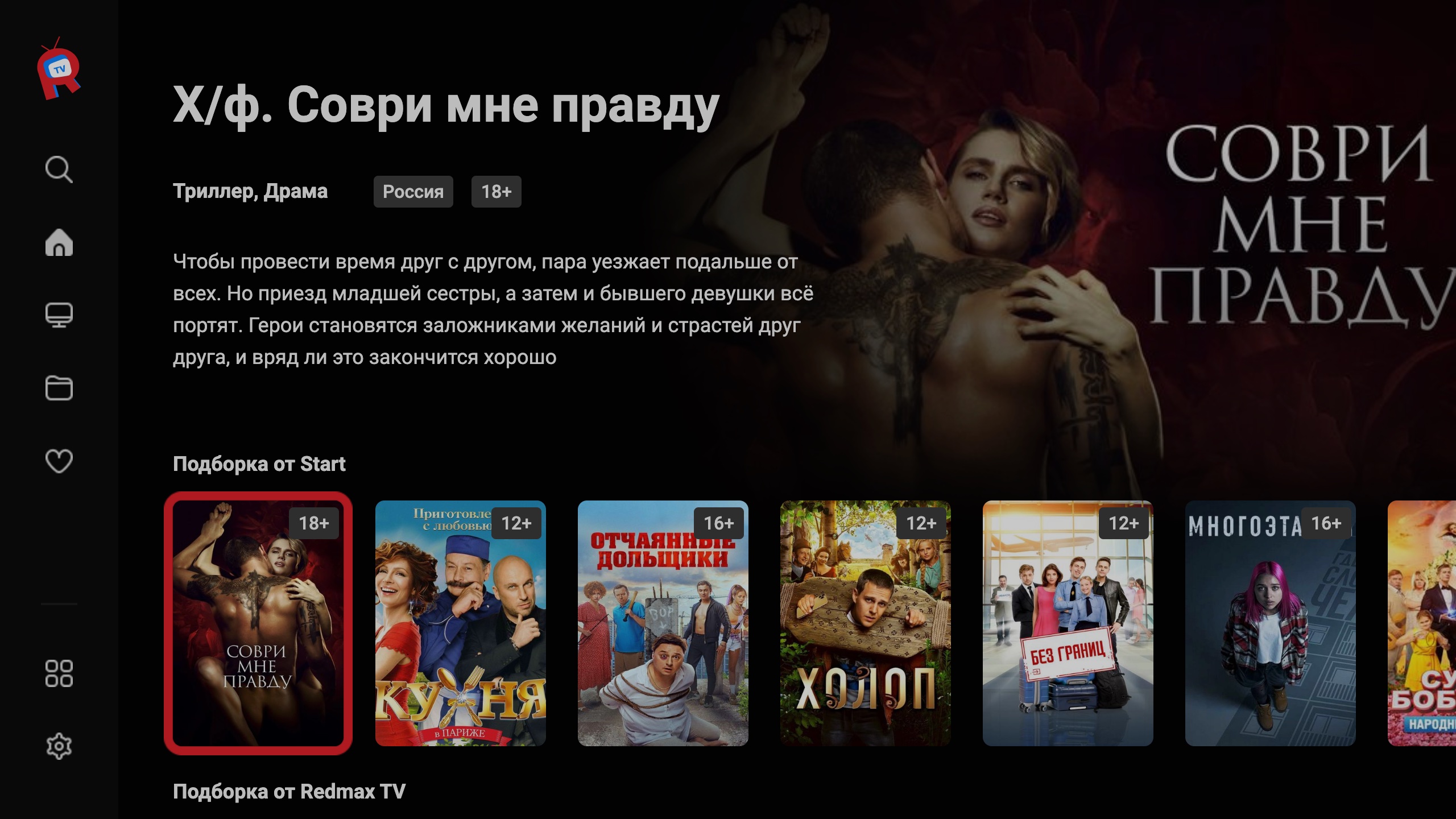
- Added new tapes with types «Transmissions», «Selection of transmissions» and «Selection of channels»
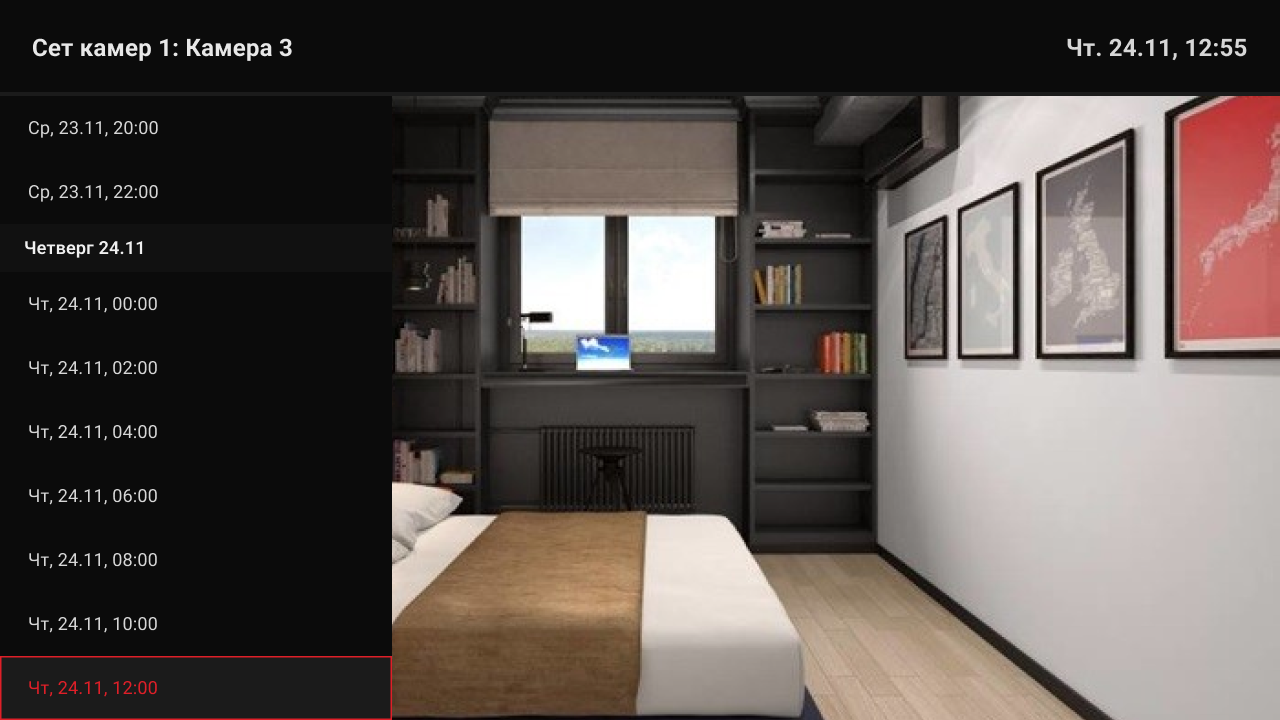
- In the full-screen player added support for playing cameras and their records:
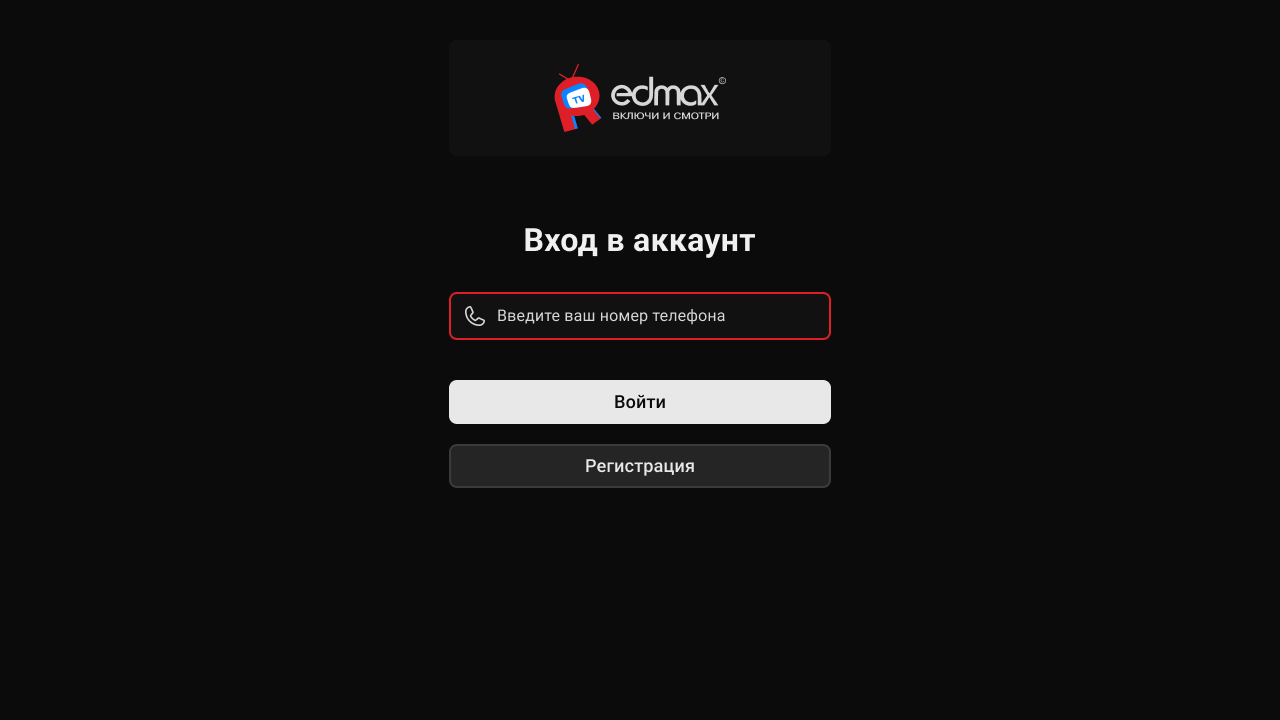
- Added option
registration_availableto enable/disable the registration button.
- Added a menu of contacts of technical support:
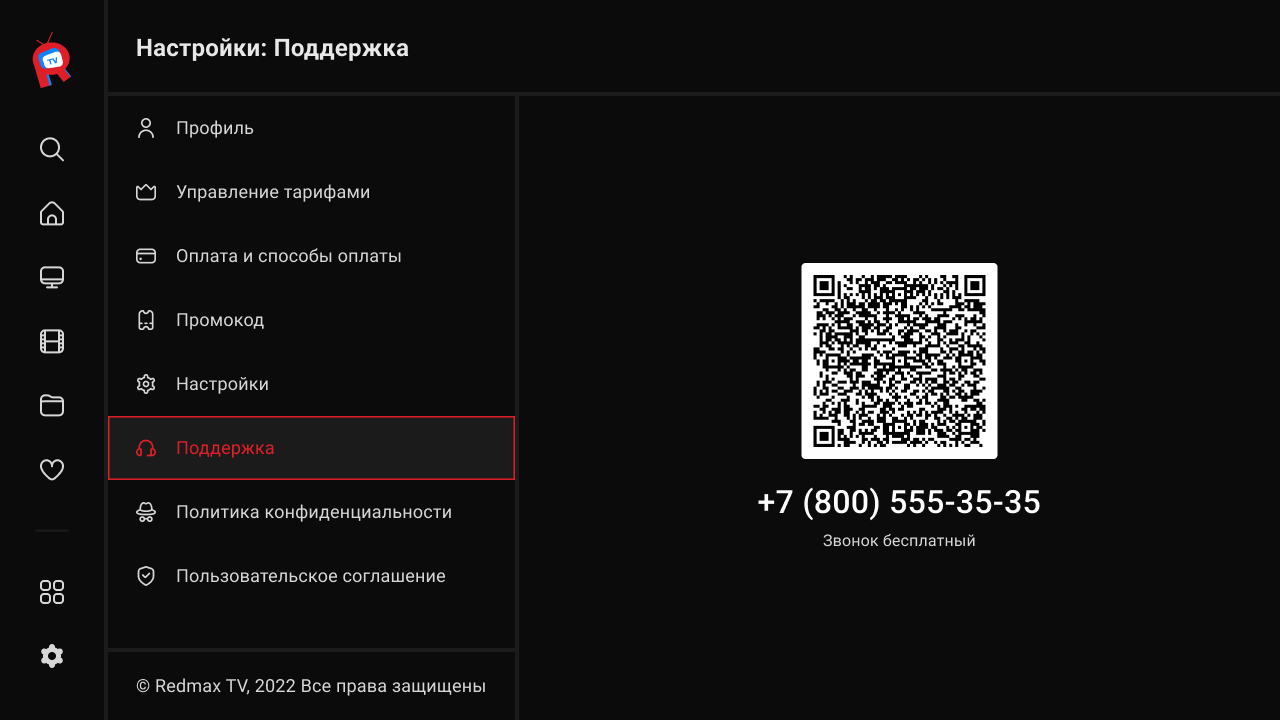
- Added support for widget «Menu apps Android».
- Added option
restore_login_form_input_from_settingsto save the login and password after logout.


