
In Smarty, there is a mechanism for quickly embedding some functionality of the IPTV service into the operator’s website. For example, it can be a widget with a list of TV channels and a TV program or a personal account with a payment form.
Integration of widgets into the site is carried out through a Javascript code call, which requests the contents of the widget from the API server and displays it on the site inside the iframe.
An alternative and more flexible mechanism: TV-Middleware API noAuth methods (i.e. methods that do not require authorization).
Widget types
- List of TV channels. Displays a list of TV channels grouped by operator tariff packages.
- Registration page. Registration form for the subscriber. After registration, the first subscriber account is automatically created.
- Personal account of the subscriber. In the personal account of the subscriber, profile editing, connection of tariff packages, payment is available. Access is carried out by subscription and password of any of the subscriber accounts. There are two versions of the personal account: standard and responsive (newer version with adaptive layout).
- TV program. Displays the transmission program for the operator's channels.
- Payment form. Unlike a personal account, it only displays a payment page.
Creating a widget in Smarty
Before you integrate the widget into the site, you need to create it in the Smarty control panel. This can be done in the General Settings section - Widgets for integration with the site:
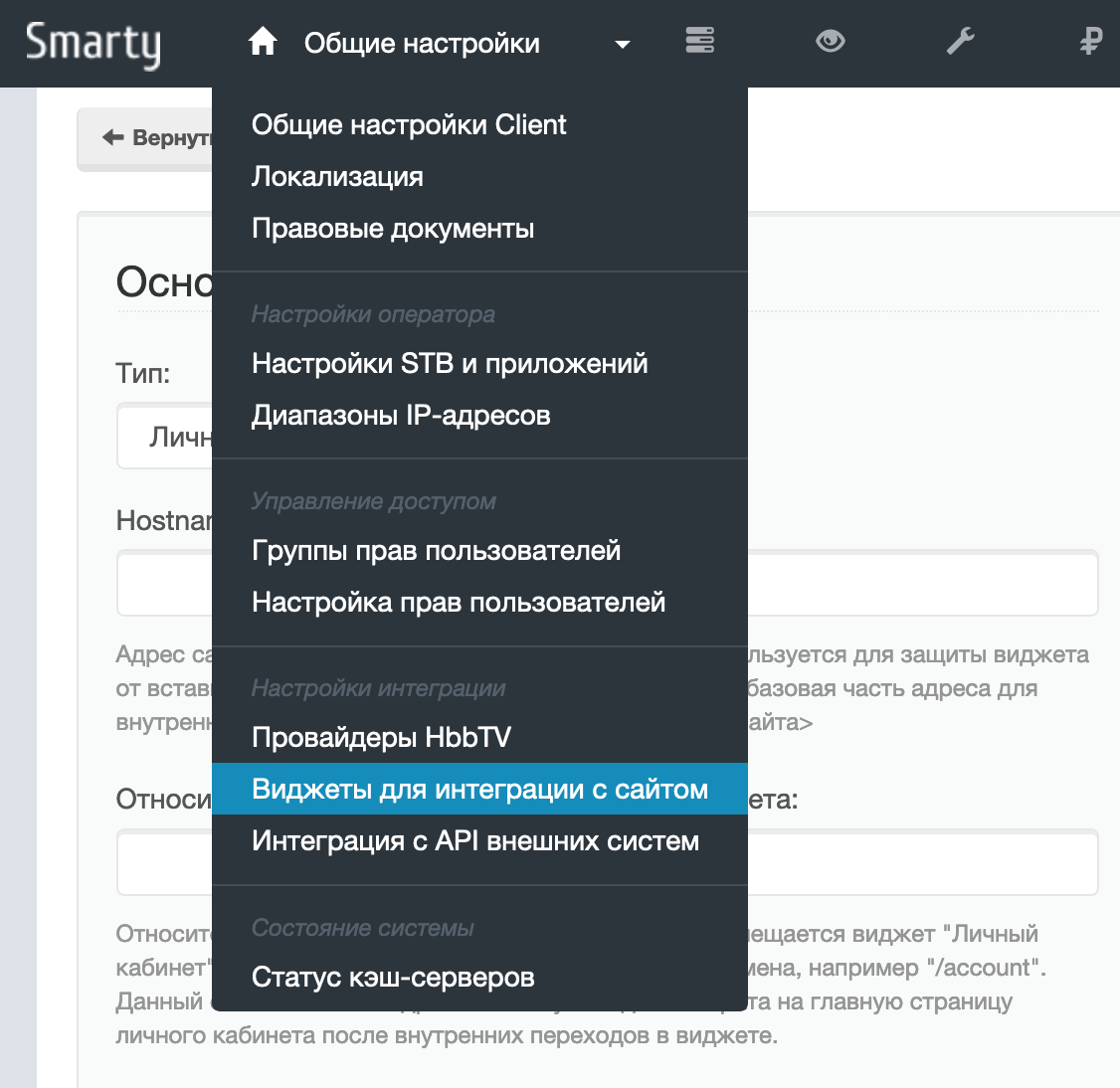
Depending on the type of widget, it is necessary to fill in various display and functioning parameters.
The appearance of the widget can be customized using a dynamic connection of css and js files.
Connecting the widget to the site
To connect the widget to the contents of the corresponding page of the site, you must insert a code:
<div id="widget-content"></div>
<script id="widget-script" type="text/javascript"></script>
<script type="text/javascript">document.getElementById('widget-script').src='http://smarty.example.com/widgets/api/get/ID? container_id=widget-content&time='+Math.random();
Instead smarty.example.com you need to specify your Smarty URL instead of the parameter ID identifier of the widget created in Smarty (it is displayed in the first ID column in the list of all objects).
When you open a page in the browser Javascript code will be executed inside the element widget-content iframe will be dynamically placed with the widget content.
As can be seen from the code above, a method is invoked to generate a page with widget content /widgets/api/gettIt can receive additional GET parameters depending on the type.
TV Widget:
tariff_ida list of comma-divided identifiers of tariff packages, channels from which must be displayed in the widget. If not transmitted, all tariffs will be displayed.
Widget "Payment Form":
amount- the amount of payment. Ignored if transferredorder. Data type: int.ididentifier of the subscriber who is credited. Ignored if transferredorder. Data type: int.order- transaction ID. It is used to pay for a previously created transaction through the TV-Middleware API PaymentCreate method.payment_typetype of payment gateway, possible values: w1, arca, paypal, paymaster, squareup.
Solving problems with widgets in different browsers
Since widgets are embedded in the site via iframe from a domain other than the site domain, in some browsers, when cookies and data from external resources are blocked, incorrect widgets may work.
In this case, for the guaranteed operation of widgets, it is recommended to connect them through your domain using HTTP proxing.
Below is a configuration example for nginx:
location /widgets {
    try_files $uri @smarty;
}
location /captcha {
    try_files $uri @smarty;
}
location @smarty {
    proxy_pass http://smarty.example.com;
    proxy_set_header X-REAL-IP $remote_addr;
    proxy_set_header X-Forwarded-for $remote_addr;
    proxy_pass_header P3P;
}
With this configuration in the widget connection code instead of smarty.example.com give me the site address.
Display widget content without iframe
There is an additional way to obtain the contents of the widget without js / iframe wrapper /widgets/api/show. The widget ID and other parameters are transmitted as in the example above, for example:
http://smarty.example.com/widgets/api/get/ID? order_id=1
